
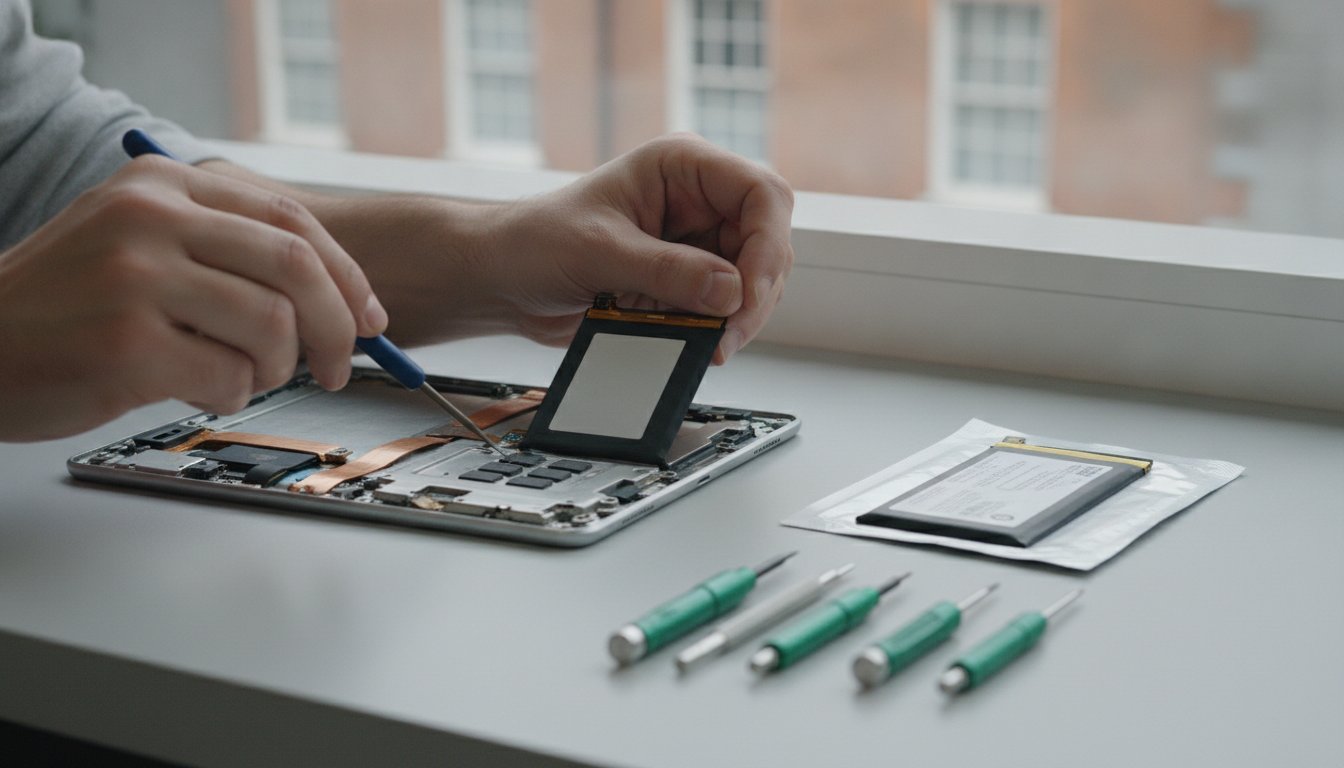
Is your Samsung Galaxy Tab A 10.1 (2019) suddenly cutting out whilst you're mid-task? It's incredibly frustrating when your device shuts down at 20% or refuses to hold a charge for more than an hour. We understand your frustration when a reliable tool starts to fail. Our team at First Help Tech has been providing expert technology repair and accessories since 2016, and we've seen this battery issue often. This guide will help you master everything about the eb-bt515abu battery, from identifying failure symptoms to choosing your repair path.
Explore the technical specs of the 6150mAh cell and learn how our FREE Mail-In Device Repair Service keeps tablets running across Ireland 🇮🇪. Following new Right to Repair rules, we're here to help you restore your device's original power safely. Use our convenient mail-in option and ensure your tablet is in expert hands. We prioritise your peace of mind by delivering fast, dependable solutions that respect your time.
Key Takeaways
- Identify common failure symptoms like unexpected shutdowns at 20% or your tablet only working whilst plugged into a power source.
- Master the technical specifications of the eb-bt515abu battery to ensure you source a high-quality, 6150mAh replacement part.
- Evaluate the risks of DIY battery swaps, specifically the high chance of screen damage, compared to professional technology repair.
- Learn how our FREE Mail-In Device Repair Service and professional accessories provide a secure, nationwide alternative to unassisted repairs.
Understanding the EB-BT515ABU Battery and Failure Symptoms
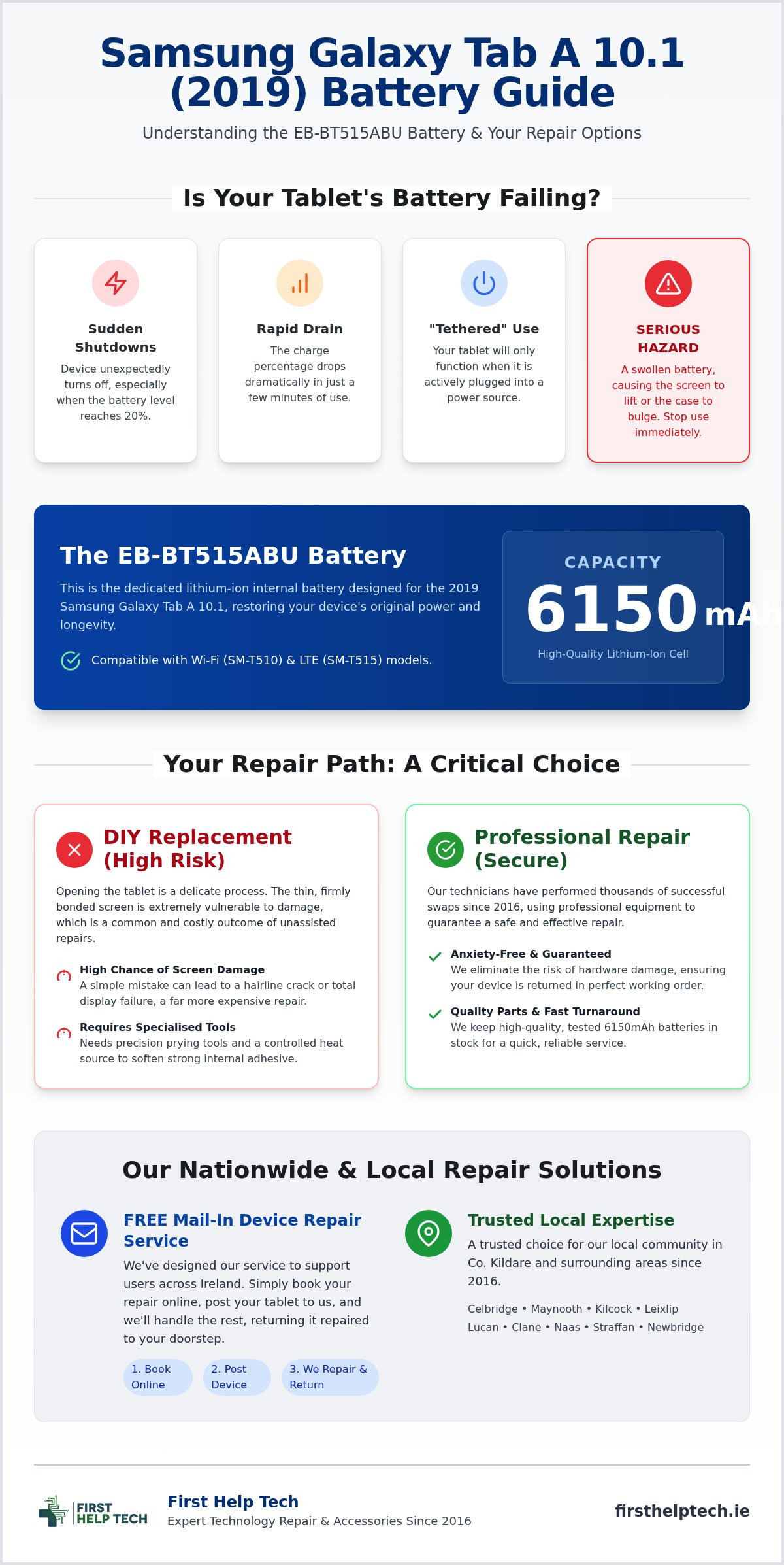
Identifying the specific part is the first step in any successful tablet repair. The eb-bt515abu is the dedicated lithium-ion internal battery designed for the 2019 Samsung Galaxy Tab A 10.1. With a capacity of 6150mAh, it provides the longevity you expect from a Samsung device. However, even high-quality components have a limited lifespan. We've seen these units begin to struggle after a few hundred charge cycles, leading to frustrating performance dips that disrupt your daily routine.
Look out for these common failure red flags:
- Rapid percentage drops where the charge vanishes in minutes.
- Unexpected shutdowns, typically when the battery hits the 20% mark.
- The "tethered" issue, where the tablet only functions whilst plugged into a power source.
Physical changes are even more critical. A swollen battery is a serious hazard amongst older tablet models. If you notice the screen lifting or the back casing bulging, stop using the device immediately. This internal pressure can permanently damage the display or even lead to thermal events. We keep these batteries in stock to ensure a fast dispatch or professional installation through our FREE Mail-In Device Repair Service. Safety is our priority, and immediate replacement is vital to protect your hardware.
Compatibility Check: SM-T510 vs SM-T515 Models
Accuracy matters when sourcing parts. The eb-bt515abu is fully compatible with both the Wi-Fi only (SM-T510) and the LTE (SM-T515) versions of this tablet. You can verify your specific version by going to 'Settings', then 'About Tablet'. Your model number will be clearly listed there. Ensuring you have the right part prevents delays and ensures a perfect fit during the replacement process.
DIY Battery Replacement vs Professional Technology Repair
Opening a 2019 Galaxy Tab A 10.1 is a delicate process that requires more than just a steady hand. A DIY swap involves using precision prying tools and a controlled heat source to soften the stubborn internal adhesive holding the chassis together. The primary risk is the digitiser. Because the screen is thin and firmly bonded to the frame, one wrong move can lead to a hairline crack or a total display failure. When you weigh the cost of a new eb-bt515abu battery against the high price of a replacement screen, the DIY route often becomes a costly gamble.
Choosing professional tablet repairs eliminates this anxiety. Our technicians have performed thousands of successful swaps since 2016, using high-quality parts and accessories to guarantee results. We use specialised equipment to ensure the chassis remains unblemished and the new eb-bt515abu is seated perfectly within the internal housing. It's a faster, safer way to restore your device's 6150mAh capacity without risking permanent hardware damage. We prioritise your peace of mind by handling the technical heavy lifting for you.
Our FREE Mail-In Device Repair Service for Ireland
Whilst we are a trusted local choice for customers in Celbridge, Maynooth, Kilcock, and Leixlip, we've designed our FREE Mail-In Device Repair Service to support users nationwide. Whether you are based in Lucan, Clane, Naas, Straffan, or Newbridge, the process is straightforward. Simply book your technology repair online, post your tablet to us, and we'll handle the rest. We'll install a fresh battery, test the thermal management, and return it to your doorstep anywhere in Co. Kildare or across the country. If you're ready to get started, you can request a repair quote today and let our experts restore your tablet.
Choosing Quality EB-BT515ABU Spare Parts and Accessories
When sourcing an eb-bt515abu replacement, quality isn't just a preference; it's a safety requirement. Many low-cost alternatives skip rigorous testing, which can lead to poor thermal management and unstable power delivery. We prioritise sourcing high-quality, tested batteries that match the original 6150mAh specification. By keeping these parts in stock at all times, we ensure a quick turnaround for our customers. It's about speed and reliability. Whether you're ordering a part for dispatch or booking a professional installation, you can trust that we've vetted every component for performance.
To prolong the life of your fresh battery, consider your daily charging habits. Using substandard cables or power adapters can lead to "dirty" power delivery, which degrades lithium-ion cells over time. We recommend pairing your new eb-bt515abu with high-quality accessories. Investing in a reliable charger ensures consistent voltage, protecting your tablet's internal circuitry and maintaining that "like-new" battery health for longer. It's a simple step that saves you money and hassle in the long run. We're here to help you get the most out of your technology.
Why Trust Us for Your Tablet Spare Parts?
Since our establishment in 2016, we've built a reputation as a reliable expert in mobile phone repairs and tablet components. We aren't just a faceless online shop. We're a dedicated team providing affordable, dependable technology repair services to communities across the country. Whether you utilise our FREE Mail-In Device Repair Service from a remote area or visit us from a nearby town, we're ready to assist. Our commitment to quality parts and accessible expertise ensures your tech is always in capable hands.
Restore Your Tablet's Power Today
Restoring your Samsung Galaxy Tab A 10.1 (2019) to its peak performance is straightforward when you have the right expertise. We've explored how identifying early failure signs and choosing a high-quality eb-bt515abu battery can save your device from permanent damage. Whilst DIY attempts are tempting, the risk of cracking your screen is high. Since 2016, our team has provided reliable technology repair and high-quality accessories, with most parts kept in stock for a fast turnaround.
Whether you're a local resident or need our FREE Mail-In Device Repair Service from anywhere in Ireland, we're ready to help. Don't let a failing battery hold you back from your favourite apps and tasks. Trust the experts to handle the technical details with precision and care. Book your professional Samsung tablet repair today and enjoy a device that lasts all day again!
Frequently Asked Questions
How long does an EB-BT515ABU battery replacement take?
A standard eb-bt515abu battery replacement usually takes between one and two hours to complete once the device is on our workbench. Because we keep most parts in stock, we avoid long waiting periods for components to arrive. If you use our FREE Mail-In Device Repair Service, the entire process from posting to return typically takes just a few business days.
Is it safe to use my tablet if the battery is slightly swollen?
No, it is not safe to use a tablet with a swollen battery, even if the bulge seems minor. Swelling indicates a chemical breakdown that poses a fire risk and can exert dangerous pressure on the internal hardware. Continued use could lead to a cracked screen or permanent motherboard damage. We recommend powering down the device immediately and seeking professional technology repair.
Will replacing the battery delete the data on my Samsung Galaxy Tab?
Replacing the battery does not typically affect your stored data, as files are kept on the tablet's internal flash memory. However, we always advise performing a full backup before any technology repair as a safety precaution. Our technicians take every care to ensure your photos, apps, and documents remain untouched whilst we install your fresh eb-bt515abu component.
How can I extend the lifespan of my new EB-BT515ABU battery?
You can extend the lifespan of your new battery by avoiding extreme temperatures and using high-quality chargers and accessories. We suggest keeping the charge level between 20% and 80% rather than letting it drop to zero frequently. This habit reduces stress on the lithium-ion cells. Using certified cables ensures stable power delivery, protecting the long-term health of your device.