
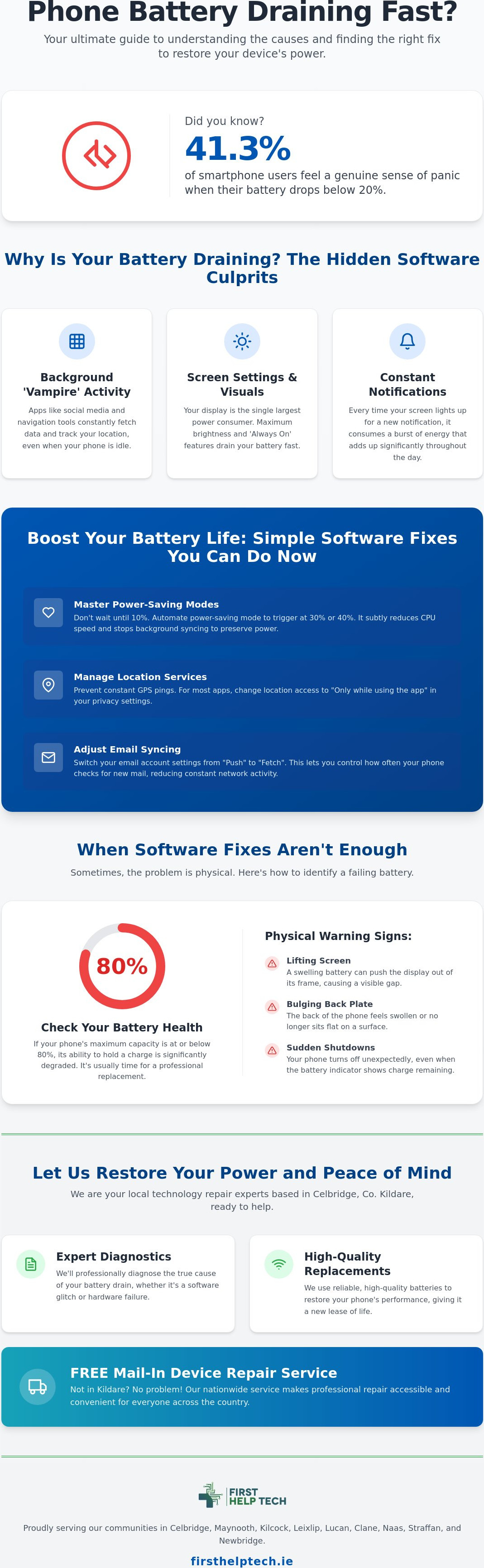
Did you know that 41.3% of smartphone users feel a genuine sense of panic the moment their battery drops below 20%? It's a feeling we know all too well at First Help Tech, and finding a reliable phone battery draining fast fix shouldn't be a source of more stress. Whether you're commuting from Celbridge to Dublin or meeting friends in Naas, the constant search for a power bank is exhausting. You shouldn't have to plan your day around the nearest plug socket!
We understand the anxiety of being unreachable. Our team is here to help you move beyond temporary workarounds and confusing settings. We'll show you how to identify if your power issues stem from hungry background apps or if your hardware has finally reached its limit after years of heavy use. You'll gain clear instructions on what to change to get your device back to peak performance.
From clever software optimisations to our professional battery replacements and FREE Mail-In Device Repair Service, this guide covers everything you need to know. We'll help you understand your battery health so your phone finally lasts until the evening again. Whether you're local to Kildare or based elsewhere in the country, we're ready to restore your power!
Key Takeaways
- Identify the hidden software settings, such as background app refresh and constant location tracking, that are quietly draining your device's energy.
- Discover the most effective phone battery draining fast fix by mastering simple software optimisations and keeping your operating system fully updated.
- Learn how to monitor your battery health percentage and understand why a rating of 80% or lower usually signals the need for a professional replacement.
- Recognise the physical warning signs of a failing battery, like a lifting screen or bulging back plate, to prevent further damage to your device.
- Find out how our expert team in Celbridge or our FREE Mail-In Device Repair Service can quickly restore your mobile power and peace of mind.
Why Your Phone Battery Is Draining Fast: Common Software Culprits
Modern smartphone battery technology is incredibly efficient, yet even the most advanced devices struggle when software isn't optimised. Before you worry about a hardware failure, we need to look at what's running under the bonnet. Often, the most effective phone battery draining fast fix involves adjusting a few hidden settings that are quietly sipping away at your power throughout the day. Even if your device is relatively new, poor software habits can make it feel years older than it actually is.
The Impact of Background Activity
Apps like Facebook, Instagram, and various navigation tools are notorious for "vampire" behaviour. They continue to fetch data, sync notifications, and track your GPS location whilst your phone is sitting idle in your pocket. This constant activity prevents your processor from entering a low-power state, causing the percentage to drop even when you aren't touching the screen. To identify these culprits, open your battery settings menu and check the usage breakdown. If you notice an app you haven't opened all day is responsible for a large percentage of drain, it's time to toggle off its background refresh permissions. This simple step keeps your device focused on the tasks you actually care about.
This is especially important for active users who rely on their devices while outdoors; for instance, if you are navigating a new trail on a bicycle from The Cycle Centre, you want to ensure your battery is dedicated to your map rather than background apps.
Screen Settings and Visual Effects
The display is usually the single largest power consumer on any mobile device. If you keep your brightness on maximum or use an "Always On" display feature, your battery won't stand a chance of lasting until evening. We recommend enabling auto-brightness. It intelligently adjusts to your surroundings, whether you're indoors in Celbridge or walking through the sun in Naas. For those with OLED screens, switching to dark mode is a genuine game-changer. Since OLED panels turn off individual pixels to show true black, this small visual change can significantly extend your daily usage.
Poorly optimised software updates or a flood of push notifications can also be to blame. Every time your screen lights up for a "like" or an email, it consumes a burst of energy. If your battery life plummeted immediately after a recent update, a settings reset or a software patch might be required. If these software tweaks don't solve the issue, we invite you to visit our mobile repairs centre for a professional diagnostic. We help customers across Leixlip, Lucan, and Maynooth get their devices back to peak performance every day.
Proven Software Fixes to Optimise Your Daily Battery Life
Finding the right phone battery draining fast fix doesn't mean you have to turn off every feature that makes your smartphone useful. It's about finding a balance between performance and longevity. While there are many common causes of power loss, most can be managed through clever software automation and mindful settings. We see many customers in Celbridge who are surprised at how much difference a few small tweaks can make to their daily routine.
Mastering Power-Saving Modes
Both iPhone and Android offer robust power-saving tools that do more than just dim the screen. Don't wait until you're at 10% to use them. We recommend automating these modes to trigger at 30% or even 40% through your device's shortcuts or battery settings. This preserves your remaining power by subtly reducing CPU speed and stopping background syncing. You'll notice that features like high-refresh-rate scrolling might pause, but your phone stays alive much longer during a busy day in Naas or Leixlip.
Connectivity and Syncing Adjustments
Connectivity is a major power drain, especially if you're commuting between Lucan and Newbridge. Searching for a weak 5G signal is far more taxing than staying on a stable Wi-Fi connection. If you're in an area with patchy coverage, your phone works overtime to stay connected, which generates heat and kills the battery. To stop this, try these steps:
- Switch location services for most apps to "Only while using the app" to prevent constant GPS pings.
- Change email settings from "Push" to "Fetch" to reduce how often your phone checks for new mail.
- Reset your network settings if your Wi-Fi or Bluetooth seems to be behaving erratically and draining power.
- Always update your operating system to the latest version to patch known power-management bugs.
These adjustments often provide a reliable phone battery draining fast fix for software-related issues. However, if your settings are perfect and the power still vanishes, it might be a physical problem. Learn more about our mobile phone repair services to see how we can help. If you're unsure where to start, you can get a quote for a diagnostic from our expert team in Celbridge.
When Settings Aren’t Enough: Identifying Hardware Issues
Sometimes, even the most disciplined software habits can't overcome the laws of physics. Lithium-ion batteries have a finite lifespan, typically measured in charge cycles. If you've owned your device for more than the average 3.5-year replacement cycle, the chemical components inside are likely degraded. At this stage, a software-based phone battery draining fast fix is merely a sticking plaster. You need to look for the physical warning signs that your hardware is reaching its limit.
Start by checking your battery health percentage in the settings menu. If your maximum capacity has dropped to 80% or lower, your device will struggle to support peak performance. You might notice the phone getting uncomfortably hot during simple tasks or whilst charging. This heat is a symptom of high internal resistance, meaning the battery has to work much harder to provide the same amount of power. It's a clear signal that the hardware can no longer keep up with your daily needs in Celbridge or Maynooth.
Recognising a Swollen or Failing Battery
Physical deformities are the most serious indicators of failure. If you notice your screen lifting slightly or the back plate bulging, stop using the device immediately! A swollen battery is a significant fire hazard and requires urgent professional care. This happens when gas builds up inside the battery casing due to age, heat, or damage. Don't attempt to press the screen back down or "pop" the bulge. Instead, bring it to a professional technology repair centre where it can be safely removed and recycled.
Professional Solutions and Our Nationwide Support
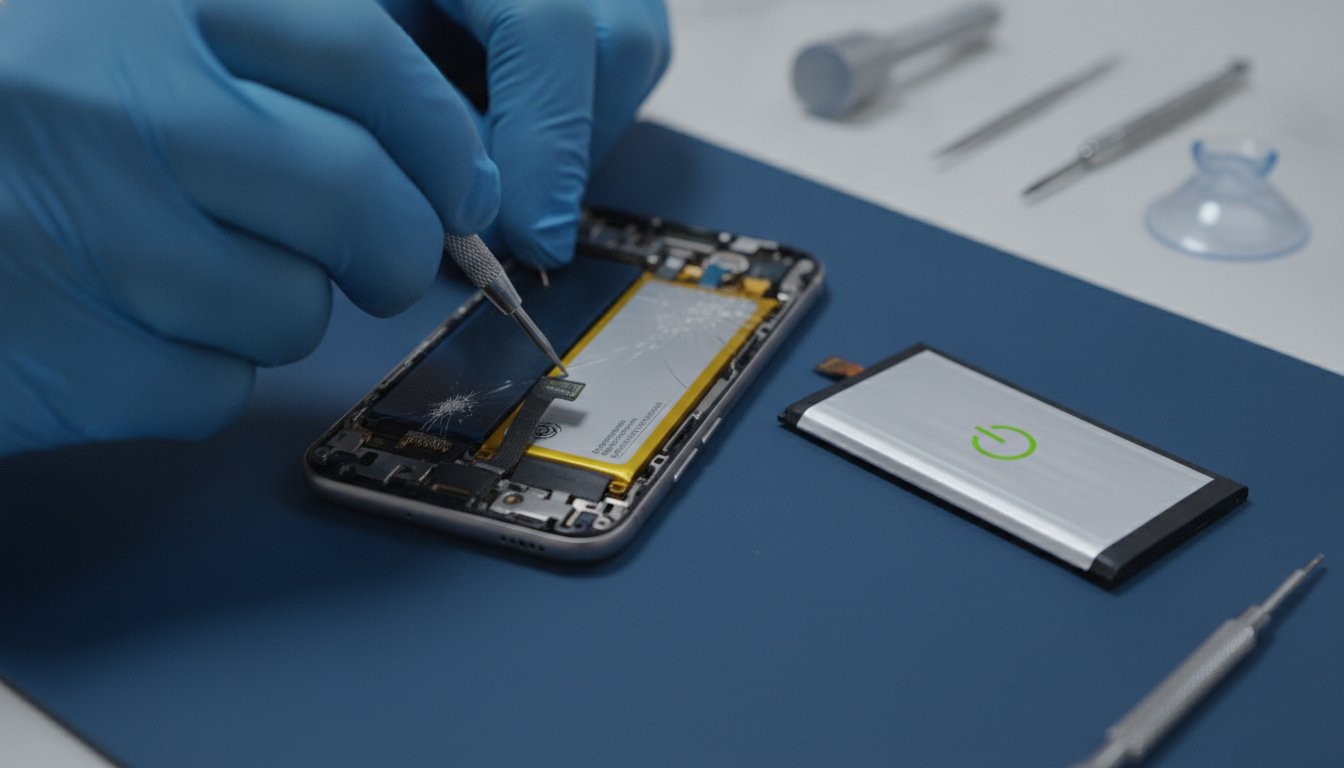
Whilst DIY battery kits are available online, we strongly advise against them. Modern smartphones are held together with strong adhesives and delicate ribbon cables that are easily snapped. Choosing professional mobile phone repair ensures your device is handled by experts using high-quality replacement parts. This restores your original performance without risking damage to the screen or motherboard.
We're proud to support our local community across Leixlip, Lucan, Clane, and Newbridge. If you can't make it to our Celbridge shop, our FREE Mail-In Device Repair Service offers a convenient way to get your power restored from anywhere in the country. We'll handle the technical work so you can get back to a phone that actually lasts until the evening!
Restore Your Power and Peace of Mind
Managing your mobile power doesn't have to be a daily struggle. By balancing smart software habits with a clear understanding of your hardware health, you can stop the cycle of battery anxiety. Whether it's adjusting your location settings or recognising when your battery health has dropped below the critical 80% mark, you now have the tools to find a reliable phone battery draining fast fix. If software tweaks aren't enough, it's time to let the professionals take a look.
We've been providing expert technology repair since 2016, and our technicians are ready to assist. At our centre in Celbridge, we keep high-quality replacement parts in stock to get you back up and running quickly. We love serving our local community across Maynooth, Leixlip, and Naas, but our reach doesn't stop there. Our FREE Mail-In Device Repair Service makes professional support accessible to everyone across the country.
For those managing health recovery or caring for seniors, a reliable phone is a lifeline, and you can find further specialised lifestyle support at fivestep.com.hk.
Don't let a failing battery dictate your schedule. Book your professional battery diagnostic and repair here to ensure your device stays reliable. We're ready to help you stay connected!
Frequently Asked Questions
How do I know if my phone battery needs replacing or if it is just a software issue?
Check your battery health percentage in the settings menu to distinguish between physical wear and software glitches. If your maximum capacity is 80% or lower, or if the device feels uncomfortably hot during simple tasks, you likely need a physical replacement. Software issues usually present as rapid drain only when using specific apps, whereas a failing battery drops percentage even when the phone is idle.
Will a factory reset fix my phone battery draining fast?
A factory reset can serve as a powerful phone battery draining fast fix by clearing out corrupted system files and rogue background processes that settings tweaks can't reach. It's a useful last resort if you've already tried optimising your brightness and background app refresh without success. Just remember to back up your data first, as this process wipes the device to its original out-of-the-box state.
Is it okay to use a fast charger if my battery is already old?
You can still use a fast charger with an older battery, but be aware that the extra heat produced may speed up the chemical ageing process. Older batteries have higher internal resistance, making them more sensitive to the high voltage provided by fast-charging adapters. If your phone gets excessively hot whilst plugged in, we recommend visiting our accessories store for a standard, high-quality charger to preserve what's left of your battery life.
What happens if I ignore a swollen phone battery?
Ignoring a swollen battery is dangerous because the internal pressure can lead to a fire, chemical leak, or even an explosion. A bulging battery has already suffered a structural failure and will continue to expand, potentially cracking your screen or damaging the motherboard. If you notice any lifting on your device casing, contact our technology repair team in Celbridge immediately for safe removal and disposal.