
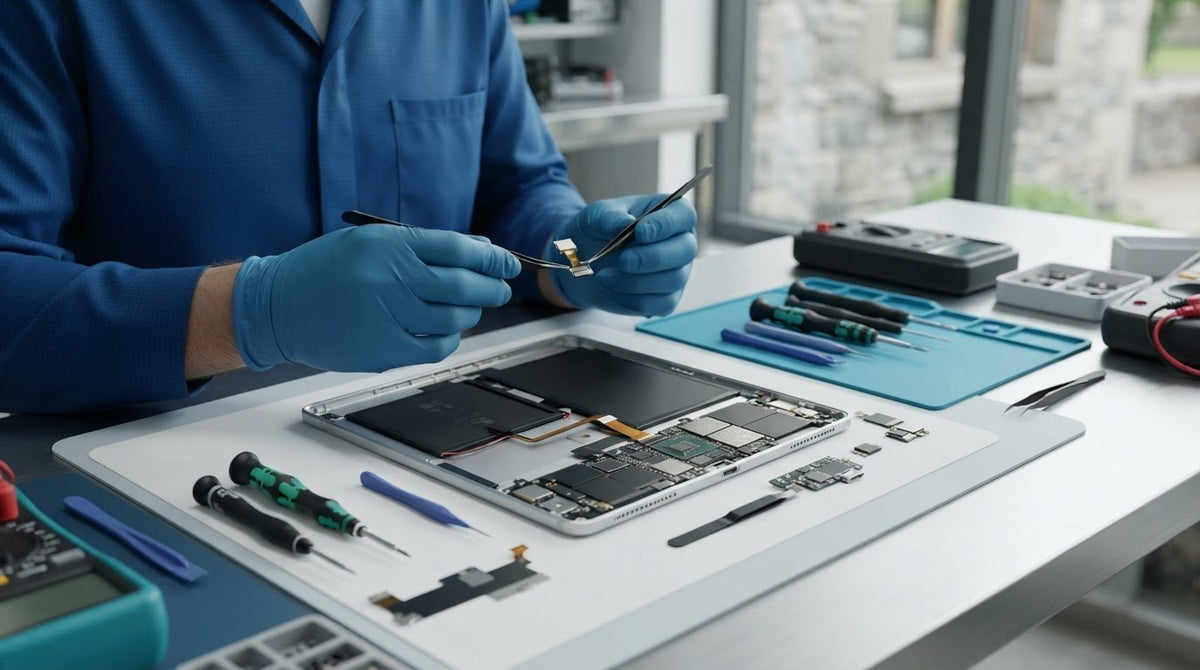
A tablet component can look like the right fit and still be incompatible with your device. Choosing tablet replacement parts starts with two details: what has gone wrong and your tablet’s exact model. Similar product names and model variants can make the right part less obvious.
When a tablet develops a fault, it can be difficult to know whether you need a replacement part or a repair. We provide tablet repairs and technology repair support, as well as accessories for everyday device use. This guide explains how to use symptoms as clues, compare a listing with your tablet’s model details and decide whether to fit a component yourself or use a repair service.
Key Takeaways
- Use the fault as a starting clue, not a diagnosis, before choosing a component.
- Match tablet replacement parts by the device’s exact model identifier, not just its brand or product-family name.
- Compare the listing with your device details. Examples include a Galaxy Tab A7 10.4 (2020) charging-port board and an iPad Air 1st Gen digitizer.
- Compatibility is your responsibility, and listings may be updated. If you’d rather not fit a part yourself, our tablet repair service is an alternative.
Tablet replacement parts: match the component to the problem
A tablet that loses charge, won’t charge or has an unresponsive screen may need different attention. The symptom is a useful clue, not a diagnosis: more than one fault can cause similar behaviour. Note what happens, when it happens and whether it changes when you use a different cable or adapter. Those observations can help narrow down the relevant part category before you compare listings.
Which tablet part might relate to the fault?
Use these examples as a starting point, not a diagnosis. They explain what a component does, but symptoms alone cannot confirm the cause of a fault.
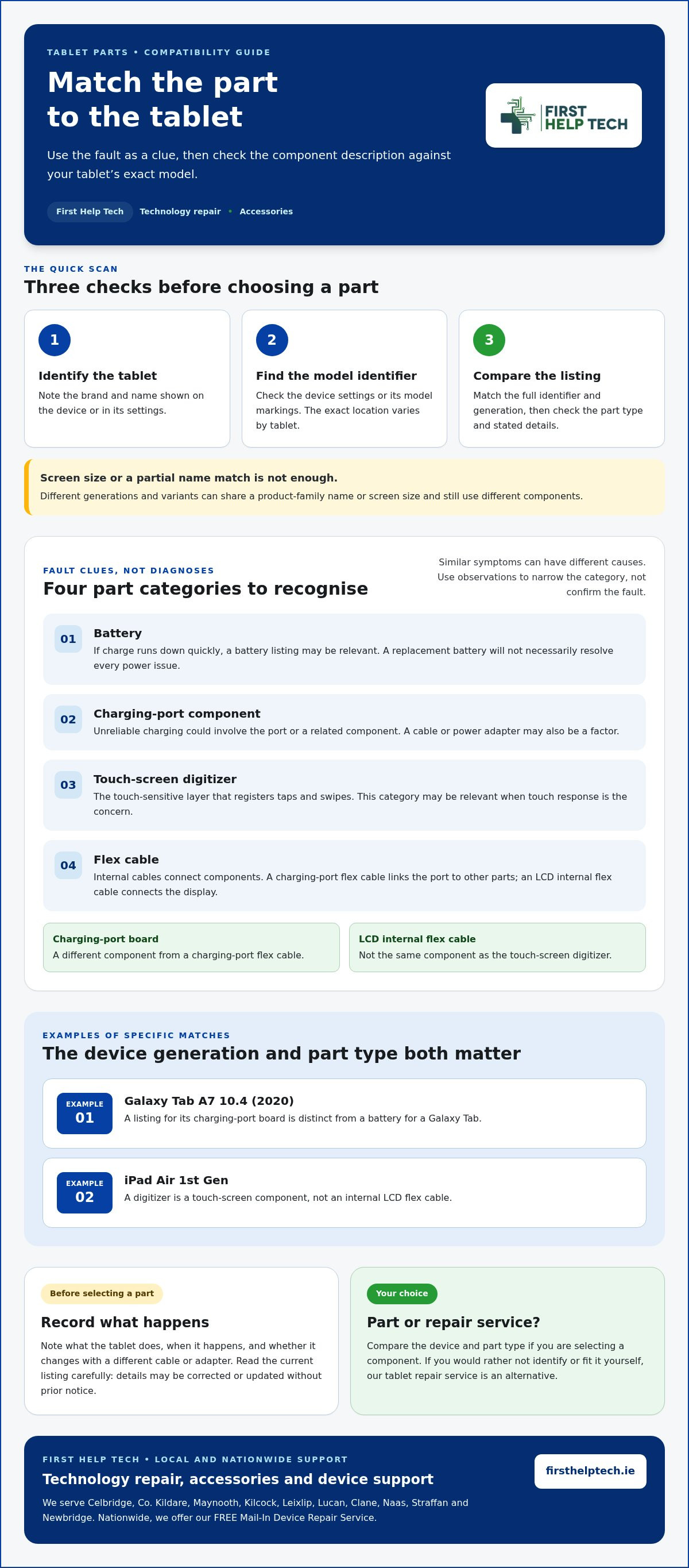
- Battery: If the charge runs down quickly, a battery listing may be relevant. A replacement battery won’t necessarily resolve every power issue.
- Charging-port component: If charging is unreliable, the port or a related component could be involved. A cable or power adapter may also be a factor, and similar symptoms can have other causes.
- Touch-screen digitizer: This is the touch-sensitive layer that registers taps and swipes. If touch response is the concern, this part category may be relevant.
- Flex cable: These internal cables connect components. A charging-port flex cable links the port to other parts, whilst an LCD internal flex cable connects the display. Neither is the same as the touch-sensitive digitizer.
Part names matter. A charging-port board and a charging-port flex cable are different components, even though both relate to charging. Likewise, an LCD internal flex cable isn’t the touch-screen digitizer. Don’t choose tablet replacement parts by symptom alone. Use the fault as an initial clue, then match the component description to your device.
If you’d rather not identify or fit a component yourself, we provide tablet repair services. Our repair support is an alternative to selecting and fitting a part yourself, while our accessories offer practical options for everyday device use.
How to check tablet model compatibility before ordering
A brand or product-family name is only a starting point. Different generations and variants can share a name or screen size but use different components. Before ordering tablet replacement parts, match the listing to the specific tablet you own.
Where to find the model details and compare a listing
Use these steps before choosing a part:
- Identify the tablet. Note the brand and the name shown on the device or in its settings.
- Find its model identifier. Check the device settings or its model markings. The exact location varies, so use the information available for your tablet.
- Compare the listing. Match the full identifier and generation, then check that the part type and any stated details correspond to your device.
Don’t rely on screen size alone. Two tablets with the same screen measurement, or names from the same product family, may still be different variants. A partial name match isn’t enough. Compare the complete model information rather than assuming a component will fit.
Compatibility with your device, systems and requirements is your responsibility. Read the current listing carefully before ordering. Product descriptions and other listing details may be corrected or updated without prior notice, so review them at the time of purchase. Brand names are used to identify compatible devices and components only; their mention does not imply affiliation, endorsement or sponsorship.
If you’d rather have the device assessed and repaired, our tablet repair service is another option. If you’re comparing components yourself, use the exact model details to narrow down suitable listings and guide your selection.
Tablet spare parts to browse and what to do next
Once you’ve identified the likely component and checked your tablet’s model details, compare listings by both device and part category. Examples include Samsung Galaxy Tab replacement batteries and charging-port boards, as well as iPad touch-screen digitizers. These parts serve different purposes, so a matching brand name alone isn’t enough to guide your choice. Brand names are used for identification only and do not imply any affiliation or endorsement.
Compare the component and model details
For a specific example, a charging-port board listed for the Galaxy Tab A7 10.4 (2020) is distinct from a battery for a Galaxy Tab. An iPad Air 1st Gen digitizer is a touch-screen component, not an internal LCD flex cable. Treat these names as examples of how closely the device generation and component type should match, rather than interchangeable part descriptions.
Before ordering, read the full listing and compare its model details with your tablet. Listings may be corrected or updated without prior notice. Compatibility with your device, systems and requirements remains your responsibility, so don’t assume a part will fit based only on a similar name or appearance.
Choose between fitting a part and using a repair service
If you’re comfortable selecting a component, compare tablet parts by device and part type, then review the current listing carefully. For more iPad component guidance, use the iPad parts guide alongside your tablet’s model information.
Prefer repair help instead? We provide tablet repairs for people who’d rather have us handle the repair than choose and fit a part themselves. Our technology repair support can help you take a clear next step.
Take the next step with confidence
A repair decision doesn’t need to be rushed. If you’re still unsure, pause before ordering and choose the route that suits your situation. Tablet replacement parts cover different component categories, including batteries, charging components, flex cables and touch-screen digitizers. Once you’ve identified the part you need, read the current product details before purchase and remember that compatibility with your device, systems and requirements is your responsibility.
If you’d rather leave the repair to us, our tablet repair service is another route. Whether you’re ready to select a component or prefer repair support, we’re here to make the next step straightforward.
Browse tablet replacement parts and compare the current listings with your tablet’s exact model details before choosing a component.
Frequently Asked Questions
How do I find the right replacement part for my tablet?
Use your tablet’s exact model identifier to narrow down the part, then check that the listing describes the component you need. Look in the device settings or at its model markings, and note the details before browsing. Don’t choose by appearance alone: parts can look similar while being intended for different tablets. Compatibility is your responsibility.
Can I use a replacement part made for a different tablet model?
Only choose a part if the listing identifies your exact tablet model or variant. A component for a tablet in the same product family isn’t automatically suitable, even if the name and screen size seem close. For example, don’t assume a part listed for one generation will fit another. Check the listing details carefully before ordering.
What tablet replacement part should I look for if my tablet will not charge?
A charging-port board or related charging component may be relevant, but a tablet that won’t charge doesn’t prove the port is faulty. The charging cable or power adapter could also be involved. If you have suitable accessories available, you can try another cable or adapter before choosing a part. Don’t treat that check as a diagnosis.
Can I get help repairing a tablet instead of buying a part?
Yes. We provide tablet repairs for customers who would rather have repair help than select and fit a component themselves. It’s a useful option if you’re uncertain which part relates to the fault or prefer not to handle the replacement.