
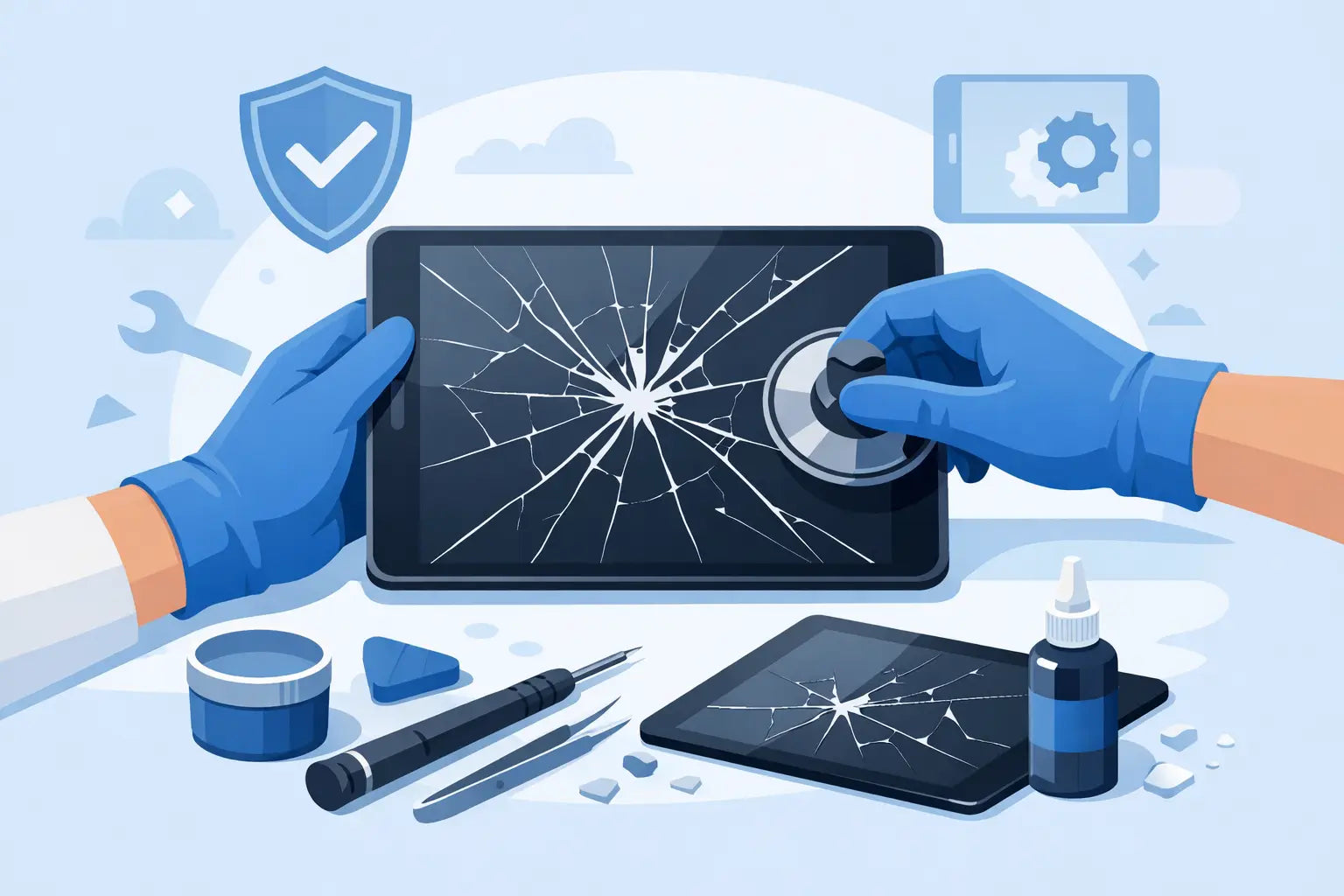
A cracked tablet screen usually happens at the worst possible moment - before school runs, during work, or right when the kids want their favourite app. If you are searching for how to fix cracked tablet screen damage, the first thing to know is this: not every crack means the same repair, and the wrong fix can turn a manageable job into a more expensive one.
Some screens are only scratched on the outer glass. Others have deeper damage that affects touch response, display quality, or even the frame underneath. The safest route depends on what has actually broken, how old the tablet is, and whether you need a quick stopgap or a proper long-term repair.
How to fix cracked tablet screen damage - start with the type of crack
Before buying parts or reaching for a repair kit, take a close look at the tablet while it is switched on. If the image underneath is clear and the touchscreen still works across the full display, the damage may be limited to the glass. If you see black patches, flickering lines, dead areas, or touch issues, the screen assembly is likely damaged and will usually need full replacement.
This matters because many people assume a cracked screen protector means the tablet itself is broken, or they assume the opposite and keep using a damaged display that is already getting worse. Remove any broken screen protector carefully and check the surface beneath. A protector is cheap to replace. The actual display is not.
You should also inspect the tablet frame. If one corner is bent or lifted after a drop, fitting a new screen without sorting the frame can leave gaps, poor adhesion, or repeat cracking. On some tablets, the frame and display fit so tightly that even a slight bend changes the whole repair.
When a cracked tablet screen can be left alone briefly
Not every cracked tablet needs immediate repair that same day. If the display image is normal, touch still works, and there are no sharp loose shards, you may be able to keep using it for a short period. A temporary screen protector can help hold the glass together and reduce the chance of small fragments coming loose.
That said, this is a temporary measure, not a fix. Cracks tend to spread with pressure, heat, charging cycles, and being carried in a bag. Once moisture or dust gets in, the repair can become more complicated. If children use the tablet, or if you use it daily for work or study, delaying too long is rarely worth it.
DIY repair or professional repair?
This is the point where cost, confidence, and convenience all come into play. A DIY repair can look cheaper at first, especially if replacement parts are easy to find. But tablets are often trickier than phones because of larger adhesive areas, delicate display cables, and model-specific parts that are easy to order incorrectly.
If you have repaired devices before, have the right tools, and know the exact tablet model, a DIY job may be realistic on some devices. If you are working with an older budget tablet, the risk may feel acceptable. If it is a newer iPad, Samsung Galaxy Tab, or a device you rely on every day, professional repair is often the better value once you factor in the risk of damaging the LCD, battery, or housing during removal.
A common mistake is trying to replace only the glass on a model that is designed to be replaced as a full screen assembly. Another is using poor-quality adhesive or aftermarket parts that leave weak touch response or dull display brightness. Cheap parts can save money at checkout and cost more a month later.
How to fix cracked tablet screen yourself
If you are set on doing the repair yourself, slow and careful is better than fast. Start by confirming the exact model number, not just the brand name. Tablets often have several nearly identical versions with different connectors or screen sizes.
Power the device off fully. If possible, let the battery run lower before opening it, as this reduces risk. You will need proper opening tools, a heat source suitable for electronics adhesive, precision screwdrivers, tweezers, and replacement adhesive. Working on a clean, well-lit surface is not optional here.
Warm the screen edges gradually to soften the adhesive. Do not overheat one spot. The aim is to loosen glue, not cook the display or battery. Use a thin opening tool carefully around the edge and take extra care where flex cables are commonly routed. On many tablets, lifting too quickly from the wrong side can tear a cable before you even see it.
Once opened, disconnect the battery before touching display connectors. Then remove the damaged screen or display assembly according to the device layout. Clean away old adhesive fully. If the frame is bent, straighten it as much as possible before fitting the new part. Test the replacement screen before final sealing if the tablet allows this. It is far better to find a fault before everything is glued shut.
Finally, apply fresh adhesive evenly, refit the new screen, and allow proper curing time. Rushing this stage is one reason screens lift at the corners days later.
The risks of trying to fix a cracked tablet screen at home
The main risk is not just breaking the new part. It is causing hidden damage that changes a straightforward screen job into a board-level problem. Batteries can be punctured during opening. Fingerprint sensors, home buttons, front cameras, and charging cables can be damaged if they are routed close to the screen edge.
There is also the issue of repair economics. If you buy tools, a low-grade replacement screen, and then need a second part after a failed first attempt, the bill can quickly overtake the cost of a proper repair. For many customers, the sensible option is getting it assessed first, especially if they need a clear quote and a quick turnaround.
Signs you should book a screen replacement instead
If the tablet has display bleed, black spots, ghost touching, flickering, or partial touch failure, do not rely on a temporary fix. The same applies if the frame is bent, the battery is swelling, or the glass is lifting away from the body. These are not jobs to patch over with tape or a generic cover.
Professional replacement is also the smarter choice if the tablet is used for school, business, or travel. Downtime matters. So does reliability. A properly fitted screen with the correct part gives you a better chance of the repair lasting, rather than becoming a repeat problem after a few weeks.
For customers around Celbridge and across Ireland posting devices for repair, speed and parts availability often matter as much as price. That is why many people choose repair support from a business that can handle both the replacement and the protective extras afterwards, such as a fresh case or screen protector.
What a screen repair should include
A good repair is more than swapping glass. The device should be checked for deeper impact damage, tested for touch and display performance, and reassembled cleanly so there are no lifted edges or pressure marks. If the frame has shifted, that should be dealt with too.
It is also worth asking what quality of part is being used. Not every replacement screen is equal. Some aftermarket parts are perfectly serviceable, while others have poor brightness, inaccurate touch, or weak durability. The right choice depends on the model, your budget, and how you use the tablet.
If you are booking a repair with First Help Tech, the practical advantage is simple: you can sort the damage and pick up the protection you should have had before the drop happened. That saves time and usually saves money compared with replacing the same screen twice.
How to stop it happening again
Most cracked tablet screens are not bad luck alone. They are a mix of bare devices, soft bags, kitchen counters, and children carrying tablets one-handed. A fitted case with raised edges does more than make the tablet look tidy. It creates impact distance between the glass and the floor.
A proper screen protector helps too, especially for lighter drops and everyday knocks. It will not stop every hard impact, but it can take the first hit and make the next repair much cheaper. If the tablet travels to school, work, or between rooms all day, protection is usually worth more than people think.
If your screen is already cracked, the best next step is the one that matches the actual damage, not the cheapest-looking shortcut. Sometimes that means a careful DIY replacement. Quite often, it means getting the screen repaired properly, quickly, and before the damage spreads any further.