
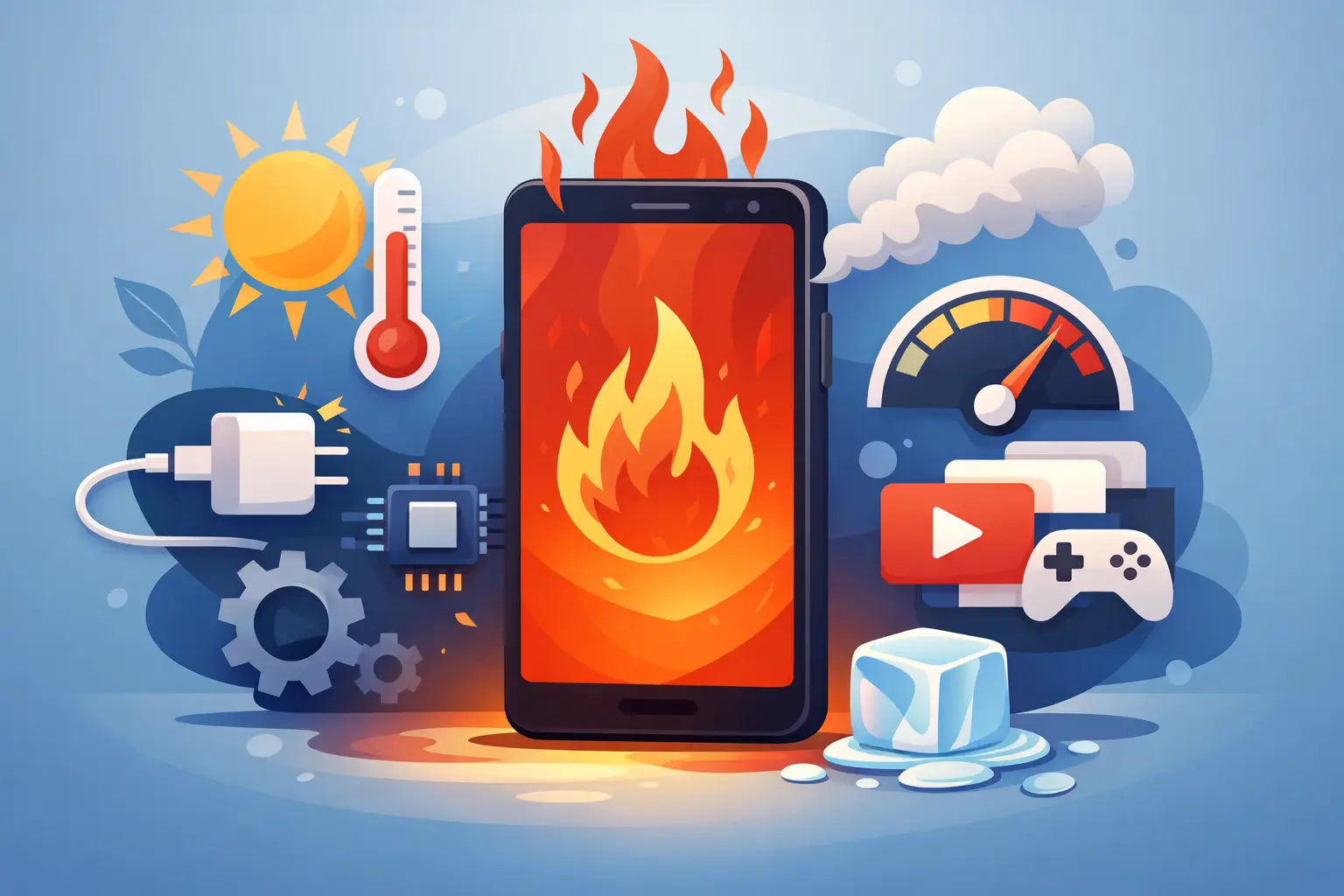
You notice it first when you pick the phone up - the back feels unusually warm, the screen dims, the battery drops faster than normal, or charging slows right down. If you are asking why is my phone overheating, the good news is that it is often caused by something simple like charging habits, heavy app use, poor signal, or a worn battery. The less good news is that repeated overheating can shorten battery life and, in some cases, point to a part that needs attention.
Phones naturally get a bit warm. That is normal during charging, software updates, video calls, gaming, or when using mobile data for long periods. What is not normal is a phone becoming too hot to hold comfortably, showing temperature warnings, shutting apps on its own, or overheating even when it is barely being used.
Why is my phone overheating during normal use?
In most cases, heat builds up because the processor, battery, and charging system are all working harder than they should. A modern smartphone is doing a lot in the background even when it looks idle. It may be syncing photos, updating apps, tracking location, switching between Wi-Fi and mobile data, or restoring content from cloud backups.
That background activity matters because heat is usually the result of workload. If several demanding tasks happen at once, the phone gets hotter. Add a thick case, direct sunlight, or a cheap charger into the mix, and the temperature can rise quickly.
A one-off hot spell is not always a repair issue. If it happens regularly, though, it is worth narrowing down the cause before it turns into battery wear, performance problems, or a charging fault.
The most common reasons phones overheat
Charging problems
Charging is one of the biggest triggers. Fast charging creates more heat than standard charging, which is normal to a point. Problems start when the charger or cable is poor quality, damaged, or not properly matched to the phone.
Cheap charging accessories can deliver unstable power. That can make the handset heat up more than it should, especially if you are using it while charging. Wireless charging can also generate extra warmth, particularly if the phone is not lined up properly on the pad or the case is too thick.
If your phone gets very hot every time it charges, stops and starts charging, or charges slowly while overheating, the issue may not be the plug alone. It could be battery wear, a charging port fault, or internal power management trouble.
Battery wear
Batteries do not last forever. As they age, they become less efficient and can produce more heat during charging and daily use. You might also notice the battery draining quickly, random shutdowns, or the phone jumping in percentage.
This is common in older devices that have been charged heavily for a few years. A tired battery does not always swell visibly, so the phone can look fine while still running too hot. If overheating has become a regular pattern rather than an occasional event, battery health is one of the first things to consider.
Heavy apps and background activity
Gaming, video editing, streaming in high resolution, and long video calls all push the processor. Social media apps can also be surprisingly demanding, especially when the camera, microphone, and location are being used in the background.
Sometimes the problem is not the app itself but the fact that it has frozen or is stuck looping in the background. After a software update, for example, an app may behave badly and keep the phone working harder than necessary. If the device is hot without obvious use, background activity is a likely culprit.
Poor signal and constant searching
A weak mobile signal can make a phone heat up more than people expect. When signal is poor, the handset works harder to maintain a connection. That affects the modem and drains the battery faster.
This often happens in patchy coverage areas, on trains, in large buildings, or during travel. If your phone gets warm mainly when you are on mobile data rather than Wi-Fi, signal strength may be part of the issue.
Sunlight and hot environments
Leaving a phone on a car seat, windowsill, garden table, or in direct sun can push it past safe temperatures very quickly. Even if the phone is not being used, outside heat can trigger warnings and slow performance.
This is one of the simplest causes to fix and one of the easiest to underestimate. Black phones, dark cases, and wireless charging in warm rooms can all make the problem worse.
Software issues
A buggy update can cause overheating by making the processor work constantly or by creating battery drain in the background. It does not happen every day, but it does happen often enough to be worth checking.
If the heat started suddenly after an operating system update or after installing a specific app, that timing matters. In those cases, the solution may be as simple as updating the app, restarting the phone, or adjusting a setting rather than repairing hardware straight away.
What you can do right away
Start with the basics. Remove the case and let the phone cool naturally. Move it out of direct sunlight, stop charging it, and close demanding apps. If it is extremely hot, switch it off for a while. Do not put it in a fridge or freezer. Rapid temperature changes can cause moisture damage, which creates a much bigger problem.
Then check how you are charging it. Try a reliable charger and cable that are suitable for your model. If the phone only overheats with one accessory, that is a useful clue.
It is also worth restarting the device and installing any pending software updates. A simple restart can stop background processes that have got stuck. While you are at it, look at battery usage in settings. If one app is using far more power than expected, uninstalling or restricting it may solve the issue.
Lowering screen brightness, turning off unused location access, and switching to Wi-Fi when possible can also help. These are not magic fixes, but they reduce strain on the phone and can show whether the problem is usage-related or something deeper.
When overheating points to a repair issue
If your phone overheats occasionally during heavy use, that is one thing. If it gets hot during light use, while idle, or every time it charges, that is different. Persistent heat usually means there is an underlying problem that will not sort itself out.
Battery wear is a common reason, but not the only one. Charging ports can become damaged or clogged. Internal components can fail. Previous liquid exposure can also lead to odd heat behaviour even if the phone seemed to recover at the time.
Watch out for warning signs such as the screen lifting, the back panel separating, charging cutting in and out, or the phone turning off at random. These can point to a failing battery, and that is not something to ignore.
Why is my phone overheating when charging?
This question deserves its own answer because charging-related heat is so common. Some warmth is expected, especially with fast charging. Excessive heat is not.
If the phone becomes very hot when plugged in, the usual suspects are a worn battery, poor-quality charger, damaged cable, dirt in the charging port, or a fault in the charging circuit. Using the phone heavily while it charges can push the temperature up further, especially with gaming, streaming, or navigation running at the same time.
Wireless charging can be convenient, but it is often warmer than cable charging. If your phone overheats on a wireless pad and not with a cable, the issue may be alignment, case thickness, or the charger itself.
When to stop troubleshooting and get it checked
There is a point where home fixes stop being practical. If the phone shows repeated temperature warnings, becomes too hot to hold, smells unusual, or the battery seems to be swelling, stop using it and get it checked promptly. That is especially true if the problem started after a drop, liquid exposure, or charging issue.
For many people, the real question is not just why the phone is overheating, but whether it is worth repairing. That depends on the model, age, and fault. A battery replacement is often straightforward and cost-effective. A charging issue may also be fixable without replacing the device. The key thing is not to keep pushing a hot phone day after day and hope it settles.
If you need a proper look at it, a local repair shop can usually tell quite quickly whether the issue is battery-related, accessory-related, or something more serious. That saves money compared with guessing and buying chargers, cables, and bits you may not actually need.
A warm phone now and then is part of modern device use. A phone that is constantly overheating is asking for attention. Catch it early, and the fix is often simpler, quicker, and cheaper than people expect.