
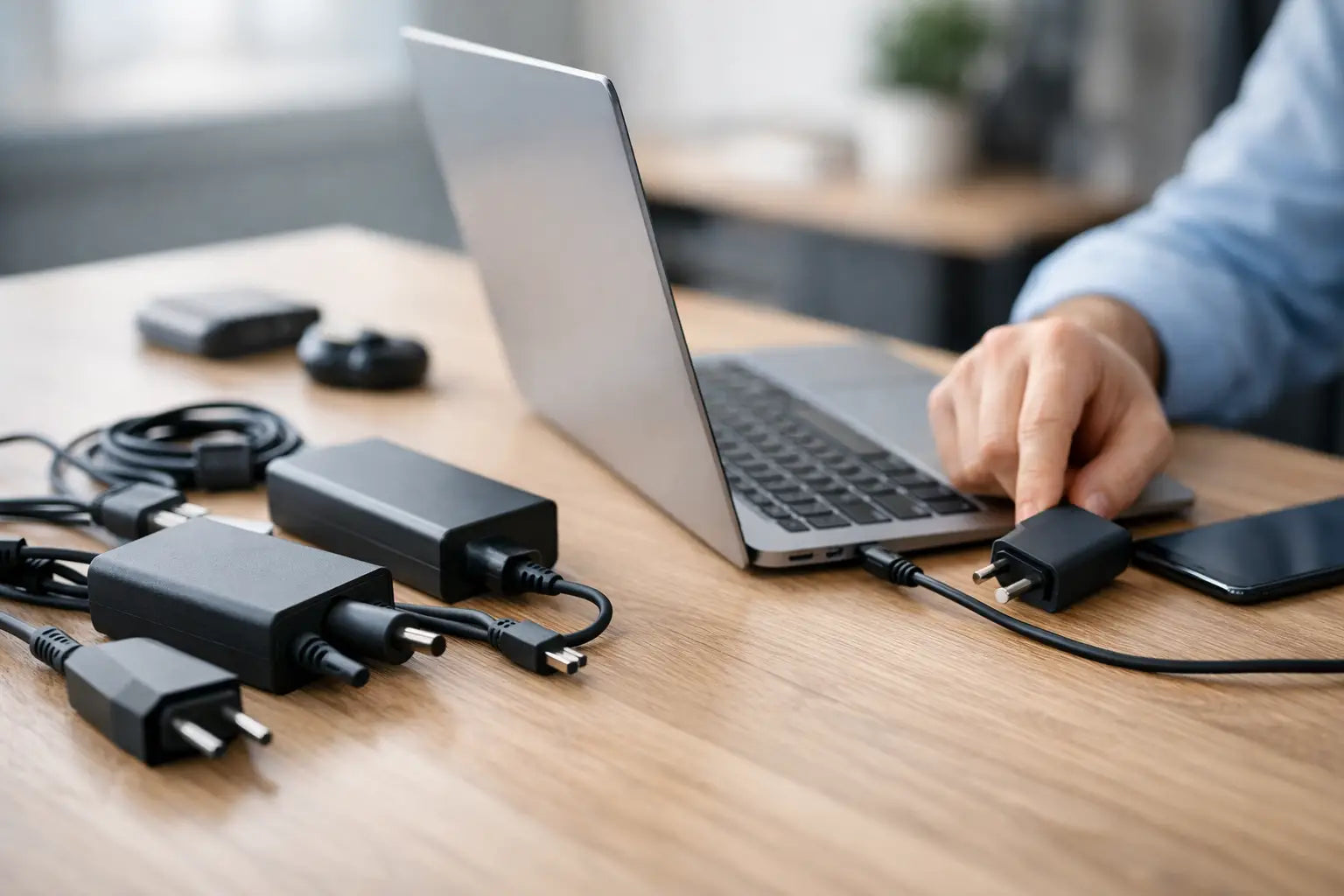
Your old charger stops working at the worst possible moment - usually when you need the laptop for college, work, or paying a bill. If you are wondering how to choose laptop charger options without wasting money or risking damage, the good news is that it is usually quite straightforward once you know what to check.
A laptop charger is not something to guess with. Two chargers can look nearly identical and still have different voltage, connector tips, or charging standards. Pick the wrong one and you may end up with slow charging, battery issues, or a laptop that will not charge at all. In some cases, using the wrong charger can damage the charging circuit.
How to choose laptop charger without getting it wrong
The quickest way to choose the right charger is to match four things: the brand and model, the output voltage, the amperage or wattage, and the connector type. If your laptop uses USB-C charging, you also need to check whether it supports Power Delivery and how many watts it needs.
Start with the label on your old charger if you still have it. You are looking for the output rating, usually written as something like 19V 3.42A or 20V 3.25A. That tells you what the charger sends to the laptop. You can also usually find the same requirement on a sticker underneath the laptop itself.
Voltage matters most. If the required voltage does not match, do not use the charger. A laptop designed for 19V should not be paired with a charger that outputs 15V or 20V unless the laptop is specifically designed for a standard such as USB-C Power Delivery that negotiates power properly.
Amperage is slightly different. The charger can provide the same or higher amps than the laptop requires, as the laptop will only draw what it needs. For example, if the laptop needs 3.42A, a compatible charger rated higher can still be fine, provided the voltage and connector are correct. Wattage follows the same idea because wattage is simply voltage multiplied by amps.
Check the laptop model before anything else
The easiest route is always the exact laptop model number. This is especially useful if the original charger is lost, damaged, or unreadable. Many brands have similar-looking laptops that use different chargers, even within the same product line.
Look underneath the device or in the battery area if the battery is removable. You will usually find a model code from brands like HP, Dell, Lenovo, Asus, Acer, Toshiba, or Huawei. Once you have that, it becomes much easier to identify the proper charger instead of relying on guesswork.
It is worth being careful here because brand alone is not enough. Not every Dell charger fits every Dell laptop, and the same goes for HP, Lenovo, and others. Even if the plug fits, the power rating might not.
The connector tip still matters
Older and many current laptops use a barrel-style charging pin rather than USB-C. These tips come in different widths and centre pin designs. Some are very close in size, which is where people often get caught out.
If the tip is too loose, charging can cut in and out. If it is the wrong internal design, it may not charge at all. Some laptops, especially certain Dell and HP models, can also detect the charger type electronically. When that communication fails, the laptop may power on but refuse to charge the battery properly.
This is why matching the connector is about more than whether it physically goes in. It needs to be the correct fit and, where required, the correct smart pin design too.
How to choose laptop charger for USB-C laptops
USB-C has made charging easier in one way and more confusing in another. The plug shape is simple because it is the same on many devices, but the power support behind it can vary a lot.
Some USB-C chargers are made for phones and tablets and only deliver low wattage. They may fit your laptop perfectly but still not provide enough power. The result is usually very slow charging, charging only when the laptop is asleep, or no charging at all.
For a USB-C laptop, check the required wattage. Common figures include 45W, 60W, 65W, 90W, and 100W. If your laptop came with a 65W charger, replacing it with an 18W or 25W phone charger is not a proper substitute. It may work in a pinch for some models, but not reliably, and not while the laptop is under normal use.
You also need a charger that supports USB-C Power Delivery if your laptop charges through that standard. A generic USB-C cable and plug are not automatically enough. This is one of those cases where cheap and cheerful can end up costing more.
When higher wattage is fine
People often worry that a 90W charger will "force" too much power into a laptop that normally uses 65W. In normal, compatible setups, that is not how it works. The laptop takes what it needs. So if the voltage and charging standard are correct, a higher wattage charger is usually fine.
The opposite is where problems start. A charger with too little wattage may run hot, struggle to charge, or allow the battery percentage to drop while the laptop is in use.
Original, compatible, or universal charger?
This depends on your budget, your laptop model, and how quickly you need a replacement. An original charger is usually the simplest option because it is made to match the laptop exactly. If you want the least hassle, this is often the safest choice.
A good-quality compatible charger can also be a solid option, especially if it is properly matched to the model and power requirements. For many everyday users, this gives a practical balance between price and reliability. The important word here is good-quality. Very cheap chargers can have poor build quality, weak cable joints, unstable power delivery, or overheating issues.
Universal chargers can be handy, particularly for older laptops, but they need more care. You must check voltage settings, tip compatibility, and wattage. If any of those are off, the convenience is not worth it.
Signs you may be buying the wrong charger
If a charger listing only mentions the brand and says it fits "most models", slow down. That is not enough detail for something this important. You want clear compatibility information, proper output specs, and ideally the exact laptop series or part number.
Be cautious if the charger looks unusually cheap compared with everything else. Everyone likes saving money, but chargers are not the place to cut every corner. Poor insulation, unreliable power output, and short lifespan are common issues with very low-grade replacements.
It is also worth checking the plug itself in the product photos or description. A surprising number of returns happen because the charger rating was correct but the connector was not.
A quick way to check before you buy
If you want to avoid trial and error, compare the following details from your current charger or laptop label with the replacement:
- brand and full laptop model
- output voltage
- output amperage or wattage
- connector tip type or USB-C PD support
- input requirement if travelling with adaptors
What about charging problems that are not the charger?
Sometimes the charger is blamed when the real issue is the charging port, battery, or motherboard power circuit. If your replacement charger matches correctly and the laptop still will not charge, the fault may be inside the device.
A few common clues are a loose charging port, a battery that drains unusually fast, charging that only works when the cable is held at an angle, or no charging response from more than one known-good charger. In those cases, replacing the charger again probably will not solve it.
This is where getting advice from a repair and accessories shop can save time and money. If you are local to Celbridge or ordering elsewhere in Ireland, a proper charger match is only half the job - it also helps to know whether the laptop itself is the problem.
Choosing the right charger should not feel like a gamble. Match the laptop model, voltage, wattage, and connector properly, and you will usually get it right first time. If there is any doubt, pause and check the details rather than settling for "close enough" - your laptop will thank you for it.