
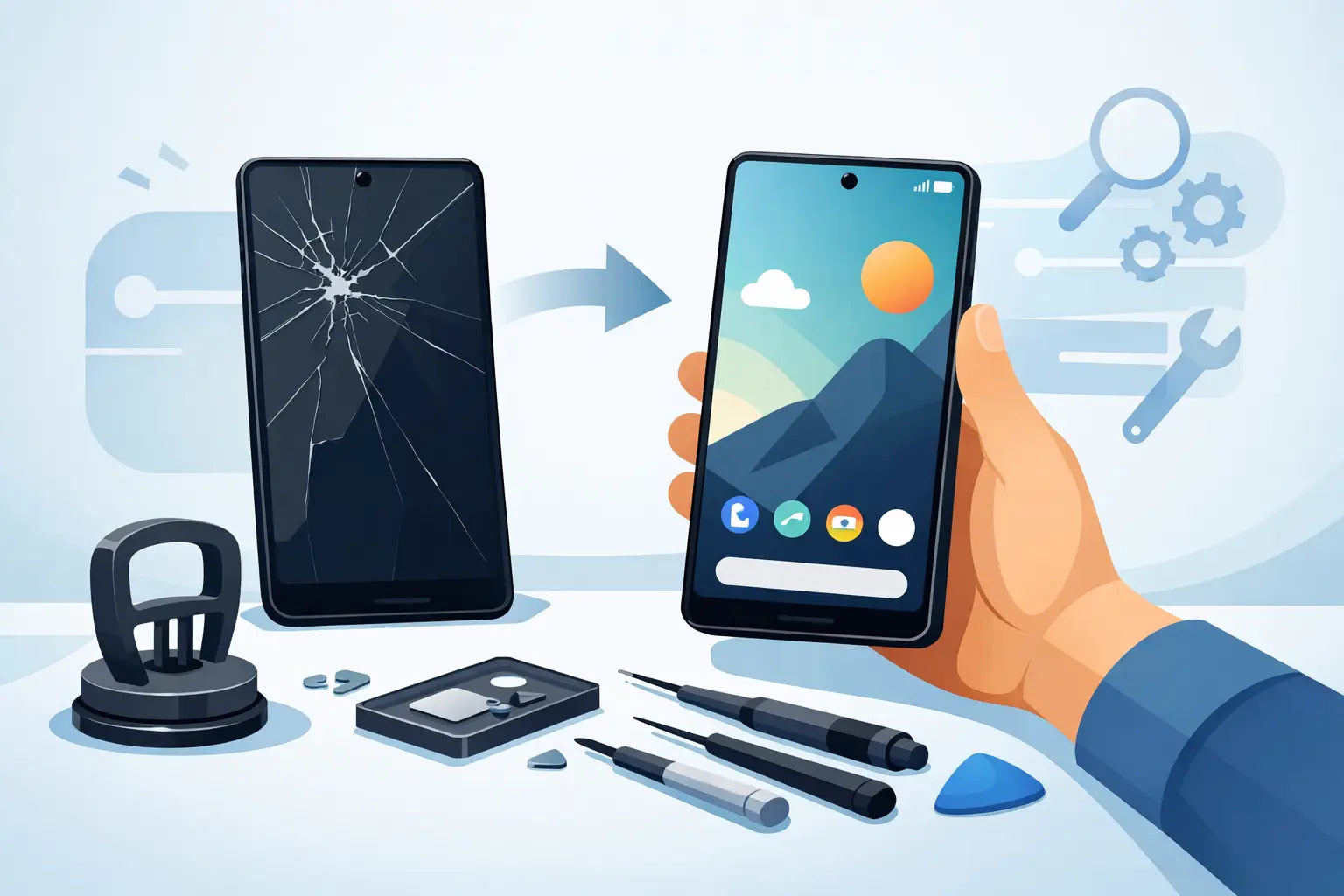
A cracked Pixel screen rarely happens at a convenient time. One drop getting out of the car, one slip off the kitchen counter, and suddenly your phone is hard to read, awkward to use, or not responding at all. If you are looking into a google pixel screen replacement, the main question is usually simple - should you repair it now, replace the phone, or try to live with it for a while?
For most people, repairing the screen is the quickest and most cost-effective option, especially if the phone still turns on, charges properly, and works normally apart from the display damage. The tricky part is knowing what kind of damage you are dealing with, what a proper repair should include, and how to avoid paying for the wrong fix.
When a Google Pixel screen replacement is the right move
Not every damaged screen looks the same, and that matters. Some Pixel phones have surface cracks but still display everything clearly. Others have black patches, flickering lines, dead touch areas, or a screen that stays completely blank even though the phone vibrates or rings.
A google pixel screen replacement is usually the right fix when the glass is cracked, the OLED panel is damaged, or touch response has failed. On most Pixel models, the front glass and display are part of one assembly, so a proper repair often means replacing the full screen unit rather than just changing the top layer.
That is why the price can vary from one model to another. A newer Pixel with a high-quality OLED display will usually cost more to repair than an older handset. The repair itself can also differ depending on whether the frame is bent, whether the battery has been affected by the impact, and whether the phone has already been opened before.
Common signs your Pixel needs more than a simple glass repair
A cracked corner on its own may not seem urgent, but Pixel screens tend to worsen with everyday use. Pressure in your pocket, small drops, or even temperature changes can spread the damage further.
Watch for signs like ghost touches, discolouration, green or purple lines, random brightness changes, and delayed response when typing. If your phone looks fine from one angle but goes dark from another, that often points to internal display damage rather than cosmetic cracking.
There is also the issue of moisture and dust. Once the screen is cracked, the seal is compromised. That does not always mean immediate failure, but it does increase the risk of further internal damage over time. A phone that is usable today can become a much bigger repair next week.
Repair now or replace the phone
This is where it depends on the model, age, and condition of the handset. If your Pixel still performs well, holds charge, and does what you need day to day, replacing the screen usually makes sense. It is less disruptive than moving everything to a new device, and in many cases it gives the phone another year or two of reliable use.
If the battery is already poor, the housing is bent, the back glass is damaged, and the camera has issues as well, the value of repair becomes less clear. In that case, it is worth getting a quote before deciding. A good repair shop should tell you plainly whether the job is worthwhile instead of pushing a repair that does not make financial sense.
For plenty of customers, the sweet spot is simple: if the screen is the main problem, repair it. If the phone has several faults stacked together, compare the total repair cost with the cost of replacing the handset.
What affects Google Pixel screen replacement cost
The model is the biggest factor. A Pixel 6, Pixel 7, Pixel 7 Pro, Pixel 8 or newer device will not all cost the same to fix. Screen quality, part availability, and labour complexity all play a role.
Part type matters too. Some repairs use premium compatible screens, while others may use original service pack parts when available. The best option depends on stock, budget, and how closely you want the repaired phone to match the original screen in brightness, colour, and touch performance.
Then there is the condition of the phone around the screen. If the frame is dented, the replacement display may not sit correctly until the housing is adjusted or replaced. If the phone has hidden internal damage from the same drop, that can also change the quote.
This is why a proper assessment is useful. A very low advertised price can sound great until you realise it only covers one version of the repair, one model, or a lower-grade part.
Choosing a repair service without taking a gamble
When you need your phone back quickly, it is tempting to book the first cheap repair you see. Fair enough - most people are not shopping for a screen replacement for fun. But a rushed choice can leave you with poor touch response, weak adhesive, lifted edges, or a screen that fails again too soon.
A trustworthy repair service should be clear about what part is being fitted, how long the repair is likely to take, and whether testing is included before the phone is handed back. You should also be able to ask about stock availability. If a part is not in stock, it is better to hear that up front than be left waiting without updates.
For customers in Ireland, speed and convenience matter just as much as price. That is why many people prefer a repair provider that can handle the job quickly, offer straightforward support, and give clear answers before any work starts. If you are based in Celbridge or ordering from elsewhere in Ireland, being able to request a quote first can save time and avoid surprises.
Can you use your phone with a cracked Pixel screen?
You can, but it is usually a short-term compromise rather than a sensible long-term plan. Small cracks can cut fingers, screen protectors do not fix internal display damage, and touch issues tend to get worse rather than better.
There is also the risk of data problems if the display fails completely. If your phone is still usable now, back it up while you can. That one step saves a lot of stress if the screen suddenly goes black before your repair booking.
If face unlock, fingerprint access, or your PIN entry becomes difficult because parts of the screen are unresponsive, do not leave it too long. You do not want to be locked out of the device while trying to recover photos, work apps, banking access, or family messages.
DIY Google Pixel screen replacement - worth it or not?
For most everyday users, no. Pixel repairs are not the easiest place to start if you have never opened a phone before. The screens are delicate, the adhesive needs proper handling, and mistakes can damage the frame, battery, flex cables, or fingerprint components depending on the model.
The part itself is only one side of the job. You also need the right tools, safe heat control, patience, and a clean working area. If the old screen shatters further during removal or the new one is fitted badly, the saving disappears quickly.
DIY can make sense for experienced repair hobbyists, but that is not most customers. If your goal is to get your phone working properly again without wasting time, a professional repair is usually the safer and cheaper route in the end.
What to do before handing over your Pixel for repair
If the screen still works, back up your data, remove any screen protector or heavy case if asked, and make sure you know your passcode. It is also sensible to check whether alarms, banking prompts, or two-factor apps are tied to that phone, especially if you rely on it for work or college.
You do not need to overthink it, but a few minutes of prep helps. If there are other faults besides the screen, mention them at the start. A repair technician would rather know about charging issues, battery swelling, camera faults, or previous water exposure before the phone is opened.
A repaired Pixel should feel normal again
That is really the standard to expect. After a proper screen replacement, your phone should be clear to read, smooth to use, and secure in the hand, without lifted corners, patchy touch response, or odd display behaviour.
A cracked screen can make a good phone feel half broken, even when the rest of it is perfectly fine. Getting it sorted quickly brings the device back into everyday use without the cost of replacing everything. If your Pixel is otherwise doing the job, a sensible repair is often the easiest win - less hassle, less cost, and one less thing to put up with every day.