
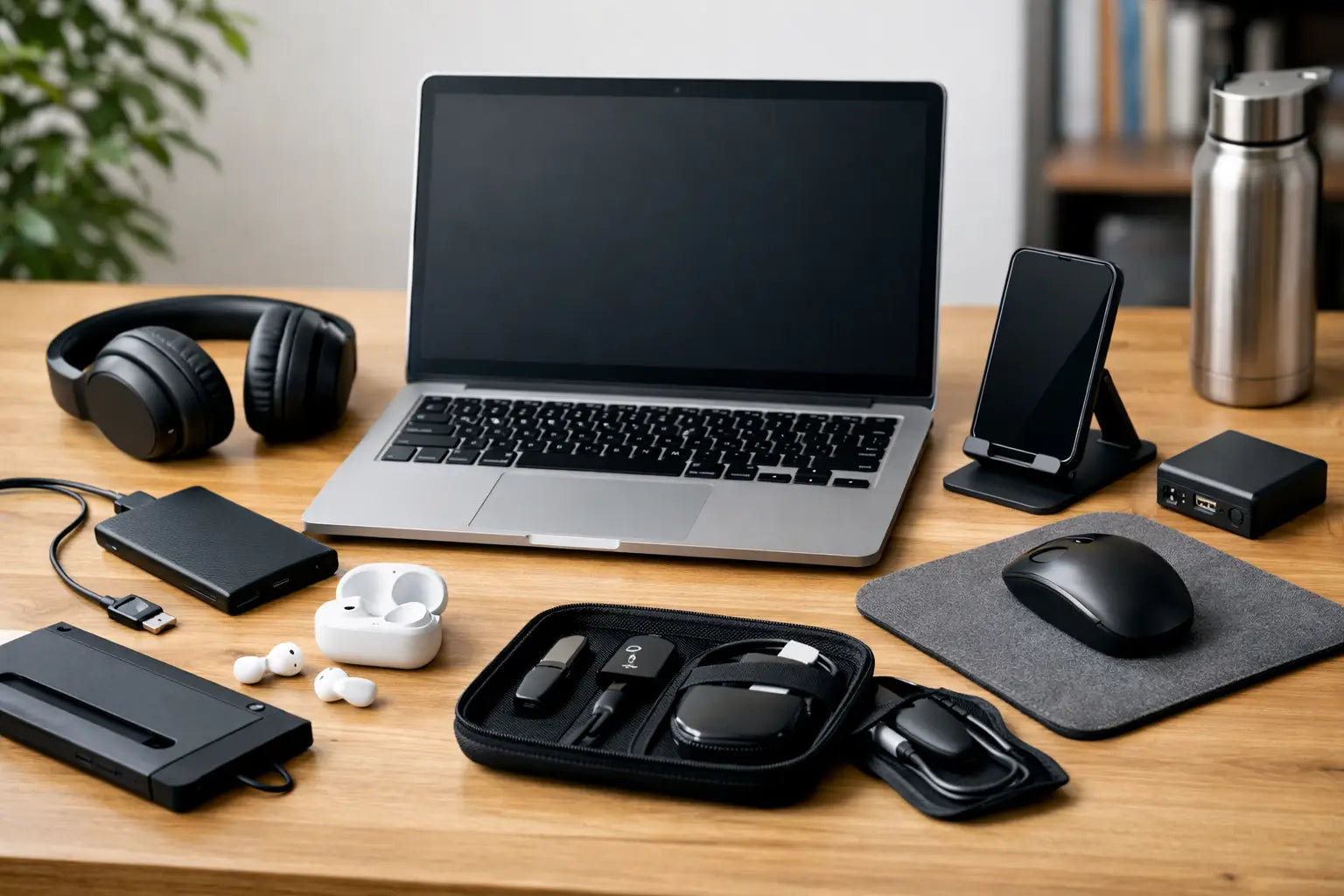
A laptop battery dropping to 8 per cent halfway through a lecture is usually when students realise accessories are not extras. The best laptop accessories for students are the ones that stop small problems becoming expensive ones - dead chargers, cracked screens, missing files, sore necks, and not enough ports when you need them.
For most students, the right setup is not about buying loads of gear. It is about picking a few affordable accessories that protect the laptop, make study easier, and help it last through the college year. Some are worth buying straight away. Others depend on your course, commute, and how often you work between home, campus and the library.
What makes the best laptop accessories for students?
The short answer is usefulness. If an accessory saves time, prevents damage, or solves a daily annoyance, it earns its place in your bag. If it is bulky, overpriced, or only useful once a month, it probably does not.
Students usually need accessories in four areas: power, protection, comfort, and storage. A good charger keeps you going through long days on campus. A sleeve or case protects against bumps in a packed backpack. A laptop stand or mouse can make long study sessions far more comfortable. Extra storage helps when coursework, photos, lecture recordings and software start filling the drive.
Budget matters too. There is no point buying premium accessories that cost nearly as much as a basic laptop repair. A practical setup should feel affordable to replace if something gets lost, while still being reliable enough for everyday use.
The accessories most students will actually use
1. A spare charger
If you only buy one extra accessory, make it this. A spare charger is one of the smartest purchases for student life because chargers get left in classrooms, borrowed by housemates, bent in bags, or simply wear out.
Keeping one charger at home and one in your bag removes a lot of stress. It also reduces wear on the original lead because you are not constantly winding it up and dragging it from place to place. The key point is compatibility. Voltage, wattage and connector type all matter, so the cheapest option is not always the right one.
2. A protective laptop sleeve or carry case
Students carry laptops everywhere - lectures, cafés, libraries, buses, trains, and home again. A proper sleeve or padded case adds a layer of protection against scratches, minor drops and the usual knocks of daily travel.
A hard-shell style can make sense if you commute a lot or your bag is usually packed tight. A slim sleeve is better if you want something light and simple. Water resistance is worth having in Ireland too, especially if you are regularly caught in rain between buildings.
3. A wireless or wired mouse
Trackpads are fine until you need to write an essay, work on spreadsheets, edit documents precisely, or spend hours researching. A mouse gives you better control and usually feels more comfortable over longer sessions.
Wireless is tidier and easier for moving between study spaces, but it means remembering batteries or charging. Wired is cheaper and more reliable, though less convenient if your laptop has limited ports. It depends how mobile your setup is.
4. A laptop stand
This is one of the most overlooked upgrades. Looking down at a laptop for hours is rough on your neck and shoulders, especially during exam season when screen time climbs fast.
A stand raises the screen to a better height and can also improve airflow underneath the laptop. Foldable stands are especially useful for students because they fit in a backpack without taking over the whole bag. If you mostly work at a desk, a sturdier fixed stand may be better.
5. An external keyboard
This matters most if you use a laptop stand regularly. Once the screen is raised, the built-in keyboard becomes awkward, so an external keyboard completes the setup.
It is not essential for every student, but it is a good buy for anyone writing long assignments, coding, or working from a desk most days. A compact keyboard saves space, while a full-size one is better if you do lots of number-heavy work.
6. A USB-C hub or adapter
Modern laptops are getting thinner, which usually means fewer ports. That is fine until you need to plug in a memory stick, HDMI cable, mouse, charger and SD card on the same day.
A hub solves that quickly. Students using external monitors, presentation screens, or older USB accessories will get the most value here. The trade-off is that not every hub supports the same features, so it is worth checking whether you need charging pass-through, HDMI output, card readers, or standard USB ports before buying.
Best laptop accessories for students on a budget
Not every accessory needs to be bought at once. If money is tight, start with the items that protect the laptop or prevent a last-minute disaster.
A sleeve, charger and storage backup are usually the best first three. They cover the biggest risks: physical damage, power problems, and losing important files. After that, comfort accessories like a stand or mouse can be added when budget allows.
There is also a difference between cheap and good value. A very low-cost cable or charger may not last the term, and replacing poor accessories twice often costs more than buying a dependable one once. For students trying to keep costs under control, that matters.
Accessories that help with coursework and storage
7. An external hard drive or SSD
Running out of storage tends to happen at the worst possible time. Projects, design files, video work, downloads and backups all add up quickly.
An external drive gives you extra room and a safer place to keep copies of important work. SSDs are faster and better for portability because they have no moving parts, but they cost more. Traditional hard drives are cheaper for larger storage sizes, which may suit students who just need space for documents and media.
8. A USB flash drive
Cloud storage is useful, but it is not always enough on its own. Internet access can be patchy, shared computers may be involved, and sometimes you simply need to hand over a file quickly.
A flash drive is still handy for presentations, printing, and carrying copies of assignments. It is not the best long-term backup method, but it is a practical extra to keep in your bag.
9. A webcam cover and screen cleaning kit
These are small purchases, but they are useful. A webcam cover adds privacy, especially if you spend time in shared accommodation. A cleaning kit helps remove fingerprints, dust and general grime from the screen and keyboard area.
Just be careful with cleaning products. Not every spray is suitable for every display, and harsh cleaners can do more harm than good. Use products designed for screens and soft cloths that will not scratch.
Comfort and study accessories worth considering
10. Headphones or earphones
For students working in busy libraries, shared flats, or on public transport, decent audio makes a real difference. They help with recorded lectures, online classes, focus playlists, and video calls.
The right choice depends on where you study. Over-ear headphones are often more comfortable for long sessions, while earphones are easier to carry and cheaper to replace. Noise isolation is useful, but if you are walking through campus regularly, full noise cancelling may not always be the safest option.
11. A portable laptop cooling pad
This is not a must-have for everyone, but it can help if your laptop runs hot during long sessions, gaming, design software, or heavy coursework. Heat can slow performance and make the laptop uncomfortable to use on a desk or lap.
A cooling pad takes up more space than a simple stand, so it suits students who work mainly from one spot. If portability matters more, a vented stand may be the better compromise.
What to skip unless you really need it
Some accessories sound useful but end up sitting in a drawer. Fancy cable organisers, oversized docking stations, RGB gadgets, and ultra-premium bags are not essential for most students.
The same goes for buying accessories before you know your routine. A first-year student living on campus may need something very different from a final-year student commuting daily with a heavy bag. It is better to buy around actual habits than ideal ones.
If your laptop already has a weak battery, a damaged charging port, or a hinge issue, accessories will only go so far. In that case, sorting the repair first makes more sense than dressing up a device that is already struggling. That practical approach usually saves money over time.
How to choose the right setup for your course
Different courses create different demands. Business and admin students may get the most value from a mouse, charger and USB drive. Design, architecture and media students are more likely to need high-capacity external storage and cooling support. Remote learners or hybrid students may care more about audio, webcam privacy and desk comfort.
Commuters should prioritise lightweight protection and portability. If you are carrying your laptop across campus all day, every accessory has to earn the space it takes up. Students mostly studying from home can justify a more desk-based setup with a stand, keyboard and mouse.
That is usually the best way to think about the best laptop accessories for students - not as one shopping list for everyone, but as a practical kit built around how you actually study. Buy the pieces that solve real daily problems first, and your laptop will be easier to use, cheaper to maintain, and far less likely to let you down when deadlines get tight.