
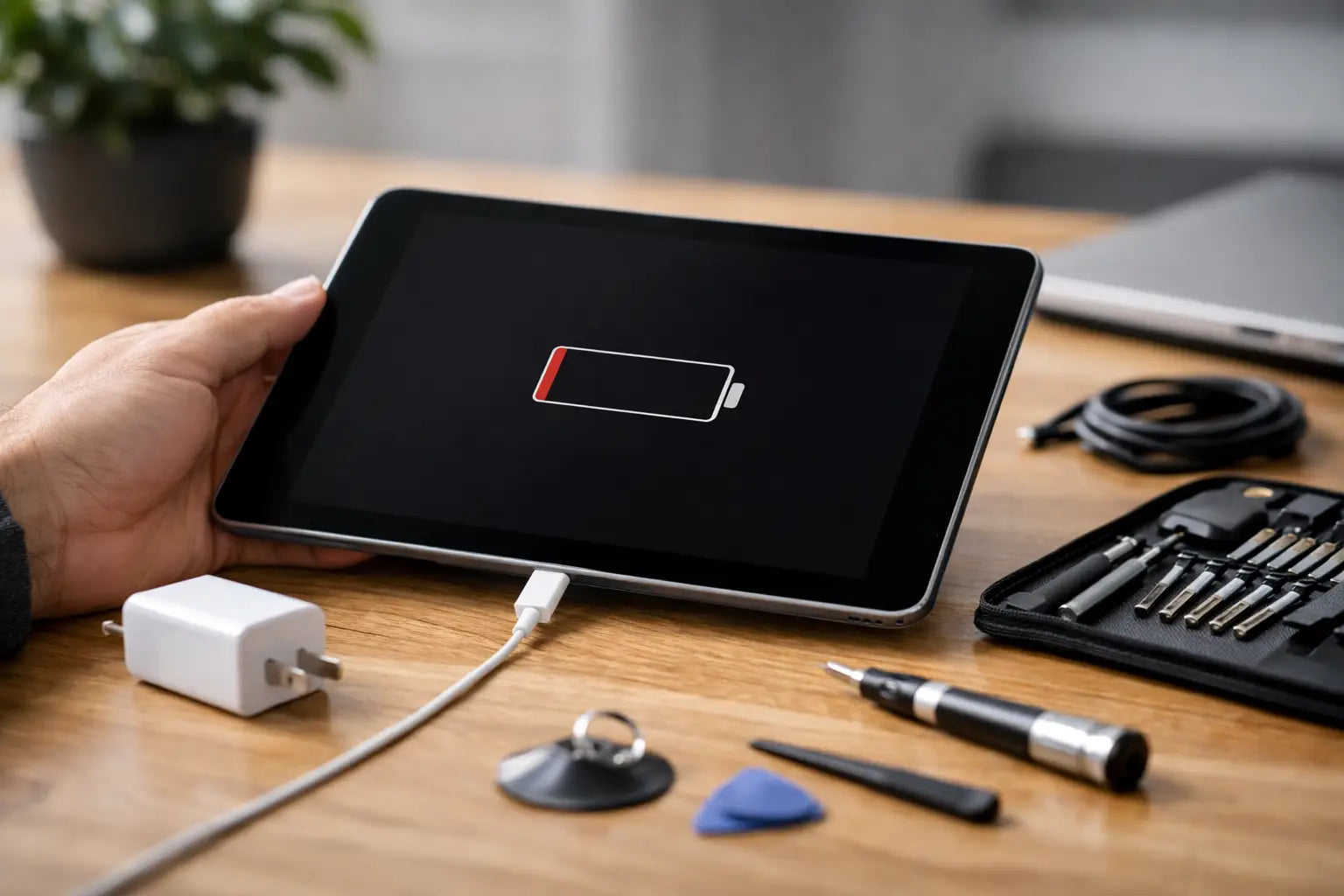
You plug it in, wait for the battery symbol, and nothing happens. If you are asking why won't the tablet charge, the cause is usually something fairly ordinary - a damaged cable, a blocked charging port, a weak plug, software trouble, or a battery that has started to fail. The good news is that some charging issues are quick to rule out at home before you spend money on the wrong accessory or book a repair you do not need.
Why won't the tablet charge even when it is plugged in?
A tablet can be connected to power without actually charging properly. That often happens when the charger is giving too little output, the cable is worn, or the charging port is loose or dirty. In other cases, the screen stays black because the battery is deeply drained, so it looks dead even though it has just started taking a small charge.
Brand and model matter here. An older iPad may behave differently from a Samsung Galaxy Tab or a Lenovo tablet, but the usual fault pattern is much the same. Start with the easy checks first, because charging problems are often external rather than internal.
Check the plug, charger and cable first
This is the most common issue, and it catches plenty of people out. Cables wear out quietly. The outer cover can look fine while the internal wiring has already weakened from bending near the connector. Chargers can also lose performance over time, especially cheap ones or older plugs that no longer deliver stable power.
Try a different cable first, then a different plug. If possible, test with a charger that matches the tablet brand’s recommended output. A phone charger may fit the tablet perfectly but still charge far too slowly, or not at all if the tablet needs more power than the charger can supply.
Wall sockets are worth checking too. If you are charging through an extension lead, laptop dock, car adapter, or power bank, remove those variables and plug directly into a wall socket. Sometimes the issue is not the tablet at all, just an inconsistent power source.
Inspect the charging port carefully
Tablet charging ports collect dust, lint and pocket fluff more often than people expect. Even a small build-up can stop the cable from sitting properly, which means the connection becomes intermittent. You may notice the tablet only charges when the cable is held at an angle, or stops charging with the slightest movement.
Use a torch and look into the port. If you can see compacted dirt, that may be the whole problem. Clean it gently and carefully. Do not jab at the pins with anything metal, because damaging the port usually turns a small issue into a proper repair job.
If the port feels loose, wobbly, or visibly bent, cleaning will not fix it. At that stage the socket itself may be worn or damaged, which is common on devices that have been charged while in use for long periods.
Why won't the tablet charge after the battery went flat?
When a battery drains fully, some tablets need longer than expected before they show signs of life again. This can make it seem like the device is dead. Leave it connected to a proper wall charger for at least 30 minutes before assuming the worst.
If the screen is still black, try a forced restart. The exact button combination depends on the model, but many tablets will respond after holding the power button or a power-and-volume combination for several seconds. This helps if the software has frozen while the battery is low.
There is a trade-off here. If the tablet was left flat for a very long time, the battery may have degraded beyond recovery. Deep discharge is harder on older batteries, especially in devices that already had reduced battery health before being left unused.
Watch for signs of a failing battery
Batteries do not usually fail without warning. If the tablet was losing charge quickly, shutting down at odd percentages, getting hot while charging, or only working on the charger, battery wear is a likely cause. In those cases, replacing cables repeatedly will not solve much.
A swollen battery is a different level of concern. If the screen is lifting, the back panel is bulging, or the tablet feels physically distorted, stop charging it. That is a safety issue and should be inspected properly rather than pushed through with another charger.
Consider software and charging settings
Not every charging fault is hardware. Tablets can get stuck, fail to display charging correctly, or drain power faster than they can take it in. If a device is running heavy apps, syncing constantly, or has a failing update in the background, it may appear not to charge even though power is coming in.
If you can turn it on, close unused apps, restart the tablet, and see whether the battery percentage climbs when the screen is off. If charging only works while the device is powered down, that points to either software drain or a charger that is too weak for active use.
System updates can help, but only if the tablet has enough battery to complete them safely. If not, it is better to sort the charging issue first instead of risking a shutdown during an update.
When the tablet charges slowly or on and off
Slow charging is not the same as no charging, but it often leads to the same frustration. If the percentage is barely moving, the charger may be underpowered, the cable may be poor quality, or the port connection may be unstable.
Tablets generally need more power than phones. Using a small phone plug can mean the battery gains almost nothing, especially if the screen is on and brightness is high. This is why people sometimes think the device is not charging at all when it is simply charging too slowly to keep up.
Heat can also interfere. If a tablet gets warm from gaming, streaming, or sitting in direct sun, charging speed may drop to protect the battery. Let it cool down and try again with the screen off.
Check for water or physical damage
If the trouble started after a drop or spill, that detail matters. Physical impact can loosen the charging port from the board, while moisture can corrode charging components over time. The tablet may still power on but fail to charge normally.
This kind of fault is less predictable than a bad cable. Sometimes it charges briefly, sometimes not at all, and sometimes it only works with pressure on the connector. If there has been recent damage, it is sensible to stop testing random accessories and have the hardware checked.
When to stop troubleshooting and get it repaired
Home checks are useful, but there is a point where more trial and error just wastes time. If you have already tried a known working charger and cable, cleaned the port carefully, tested a wall socket, and left the tablet charging long enough, the issue is probably with the port, battery, or internal charging circuit.
That is especially true if the cable feels loose, the tablet gets hot without charging, the battery drops while plugged in, or the device only charges in one exact position. Those are classic signs of hardware wear rather than a simple accessory problem.
For many people, the practical option is to have the tablet assessed before buying more parts. A quick inspection can tell you whether you need a new charger, a charging port repair, or a battery replacement. That is usually cheaper than guessing your way through two or three cables and plugs that do not solve the fault.
If you are based in Ireland and need a fast answer, a repair shop that also stocks chargers and cables can save a lot of back and forth. You can rule out the accessory side quickly and move to repair only if the tablet itself is at fault.
A few mistakes that make charging problems worse
One common mistake is forcing a cable into the port when it does not sit cleanly. Another is using very cheap charging accessories that fit physically but deliver poor or unstable power. People also keep using frayed cables far longer than they should, then wonder why charging is unreliable.
Trying to clean the port with metal tools is another one to avoid. It may seem harmless, but damaging the pins can turn a simple blockage into a full port replacement. If you are not sure, it is better to get it looked at than to risk making the repair bigger.
A tablet that will not charge can feel like a major problem, but most cases come down to a handful of causes. Start with the charger, cable, socket and port, then look at the battery and any signs of damage. If the basics do not fix it, getting a proper diagnosis early is often the quickest and most affordable way back to a working device.