
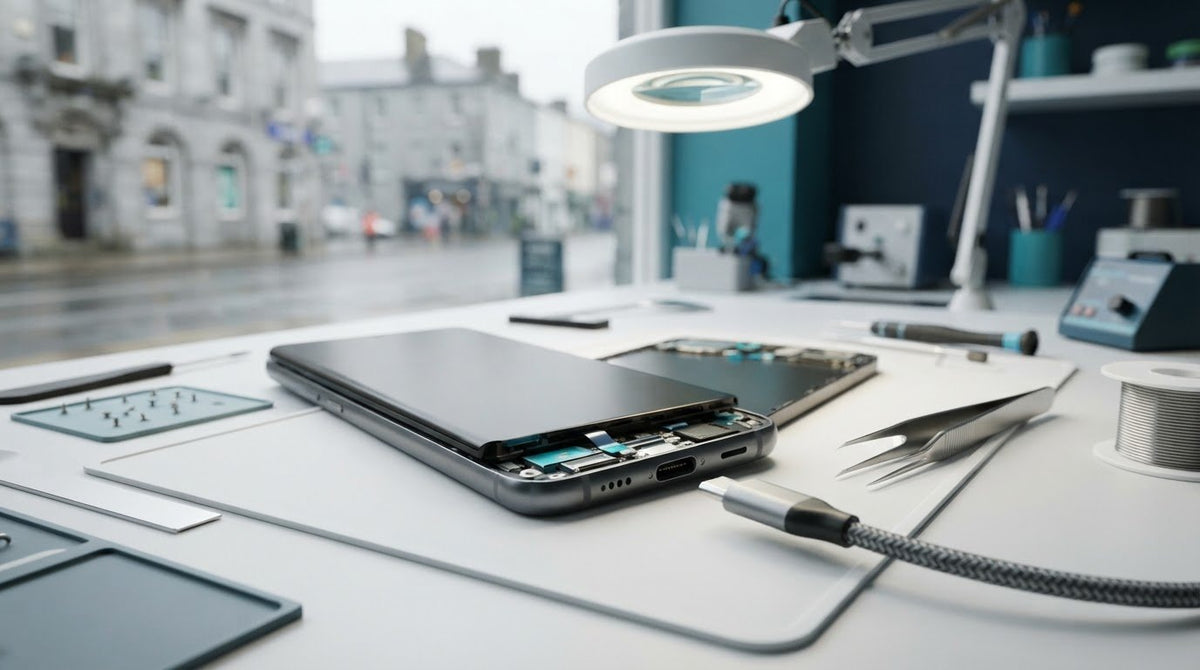
Your Samsung phone only charges intermittently, slowly or when the cable sits at a certain angle. Is the fault in the port, cable or power adapter? This guide to samsung charging port repair ireland will help you recognise possible warning signs and understand when to stop trying to charge the device.
We’ll walk you through safe checks, what details to prepare and how to arrange a repair. Customers throughout Ireland can book a repair or request a quote online, making it easier to take the next step without trying to diagnose the fault yourself.
Key Takeaways
- Intermittent or angle-dependent charging can point to a port fault, but other causes may look similar. Learn what signs to watch for before deciding on samsung charging port repair ireland.
- Try another suitable cable and adapter, then restart your phone and reassess charging.
- Avoid metal objects, forcing the cable or attempting a risky home repair.
- Book a repair or request a quote online from anywhere in Ireland if the issue persists.
Samsung charging port repair in Ireland: signs the port may be faulty
A Samsung phone that charges intermittently, slowly or only when the cable sits at a certain angle can be frustrating. These symptoms may point to a problem with the charging port, but they can also come from a damaged cable, an unsuitable adapter, debris around the connection or a software issue. One symptom alone can’t confirm a hardware fault.
A charging symptom is a clue; a confirmed hardware fault requires assessment. That distinction matters: repairing the port won’t address a problem caused by an accessory or software. If you’re considering samsung charging port repair ireland, start with a simple, cautious check rather than repeatedly moving the connector to keep the phone charging.
What charging symptoms should prompt a repair assessment?
A connection that feels loose, charging that repeatedly starts and stops, or visible damage around the port are reasons to arrange an assessment. They’re warning signs, not proof of the cause. For example, a worn cable may disconnect when moved, while debris can prevent the plug from seating properly.
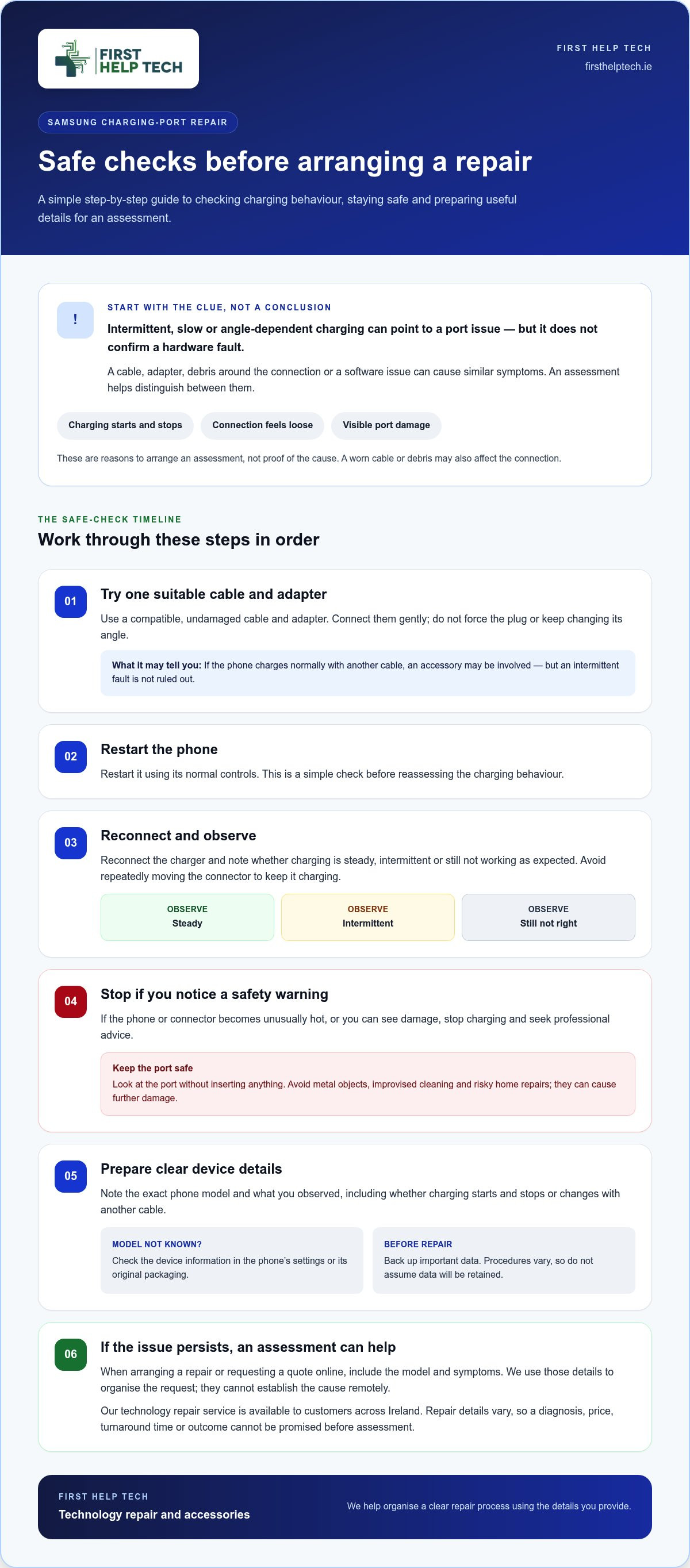
Try one compatible, undamaged cable and adapter, then see whether the connection behaves differently. Don’t force the plug or keep changing its angle. Look at the port without inserting anything into it. If the phone or connector becomes unusually hot, or you can see damage, stop charging and seek professional advice.
We provide mobile phone repairs, including charging-port repairs. If the fault persists after that basic check, an assessment can help distinguish a port issue from a cable, adapter or software problem. Avoid metal tools and improvised cleaning, which can damage the connection. If the phone charges normally with another cable, that points towards an accessory issue, but it doesn’t rule out an intermittent fault. Note when the problem occurs and whether it changes with a different accessory. Those details can help us understand the symptoms when you arrange a repair.
Before Samsung charging port repair: safe checks and repair preparation
A few careful checks can help you describe the problem clearly before arranging samsung charging port repair ireland. They won’t confirm the cause, but they may show whether charging behaviour changes with another accessory or after a restart.
- Try a compatible, undamaged cable and adapter. Connect them gently and don’t force the plug.
- Restart the phone using its normal controls.
- Reconnect the charger and reassess whether charging is steady, intermittent or still not working as expected.
Stop if the phone or connector becomes unusually hot or you notice visible damage. Don’t insert metal objects into the port, force the cable or attempt a risky home repair. These actions can cause further damage.
How to prepare your Samsung phone for a repair request
Before sending a request, note the exact model and describe what you observed. For example, mention whether charging stops and starts or behaves differently with another cable. If you don’t know the model, check the device information in your phone’s settings or its original packaging. Back up important data before arranging a repair. Repair procedures can vary, so don’t assume that data will be retained or that every device follows the same steps.
Our mobile phone repairs include charging-port repairs. These details help us organise your request, but they can’t establish the cause remotely. If the issue continues, you can book a repair or request a quote online and include the model and symptoms in your description.
Arrange Samsung charging port repair anywhere in Ireland
You can arrange samsung charging port repair ireland from anywhere in the country. Start by booking a repair or requesting a quote online, and include your phone model and a clear description of the charging problem. This gives us useful details to organise your request without requiring you to identify the fault yourself.
If your checks suggest the cable or adapter may be involved instead, we also offer accessories such as chargers, power adapters and cables. Choosing a compatible accessory matters: check the product details against your phone model before purchasing.
What happens when you arrange a charging-port repair?
Submit your repair request online and provide the information about your device and its symptoms. We’ll use those details to organise the repair process. The details of each repair can vary, so a specific diagnosis, price, turnaround time or outcome cannot be promised before the repair is assessed.
Our technology repair service is available to customers across Ireland. Once your request is under way, follow the information provided for your repair rather than guessing about preparation requirements. That keeps the process clear and helps you know what to do next.
Take the next step with confidence
A charging problem doesn’t have to leave you guessing. Once you’ve completed the safe checks, a repair request is a practical next step if the issue persists. For samsung charging port repair ireland, we’re here to make arranging technology repair straightforward, with quick, friendly support from our trusted team. We’ve been serving customers since 2016 and hold a 4.9/5 rating on Google Reviews.
Tell us what’s happening with your phone and take the next step at a pace that suits you. We’ll use the details in your request to organise the repair process, without asking you to diagnose the fault yourself. Ready to get started? Book a repair or request a quote and move towards a clear plan for your Samsung phone.
Frequently Asked Questions
Can I clean a Samsung charging port myself?
You can inspect the port, but avoid probing inside it. Don’t use metal tools, liquids or sprays, as they could damage the connection. If you can see debris but can’t remove it without inserting something, leave it alone and arrange an assessment. For samsung charging port repair ireland, describe any visible obstruction when you submit your request.
Can a Samsung phone charge wirelessly if its charging port is not working?
Possibly, if your specific phone model supports wireless charging and the problem is limited to the wired connection. Wireless charging uses a different route, but it won’t resolve a battery or software fault. Check your phone’s specifications or settings guide for wireless charging support, and don’t treat successful wireless charging as proof that the port is undamaged.
Will a charging port repair erase the data on my phone?
It may not, but data retention can’t be guaranteed because repair procedures vary. Back up important photos, contacts and files before handing over your phone, if you can access them. If the phone won’t switch on or connect to a computer, mention that in your repair request rather than attempting repeated restarts or resets.
How do I find my Samsung phone's exact model before requesting a repair?
Open Settings and look for About phone to find the model name and model number. Record both if shown, as similar names can refer to different versions. If the phone won’t turn on, check its original packaging or purchase information. Include the model details with your request so we can organise it accurately.