
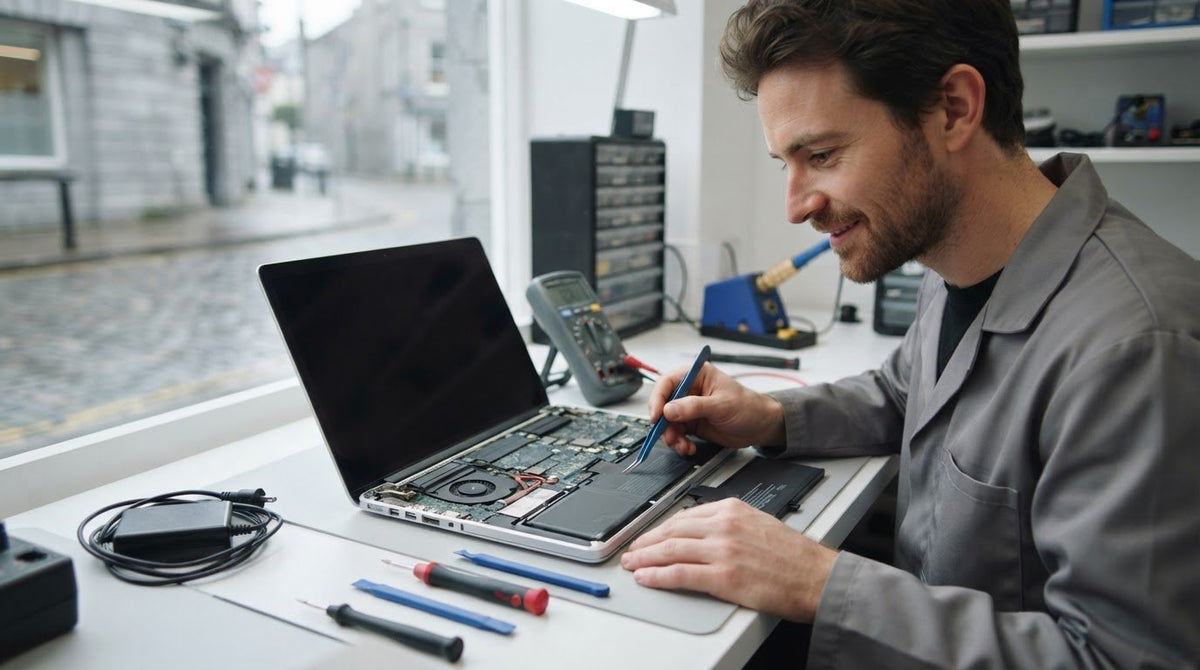
When a laptop keeps losing power, the battery may not be the cause. A faulty charger, power adapter or charging port can produce similar symptoms, so identifying the issue first helps avoid the wrong repair. This guide to laptop battery replacement service ireland explains the signs to look for and how to arrange an assessment.
A laptop that dies mid-task can disrupt work, study and everyday plans. We’ll explain what information helps us assess the fault, how to prepare your repair request and where accessories such as power adapters fit into the picture.
We provide laptop repairs to customers throughout Ireland, including battery replacements, and offer our FREE Mail-In Device Repair Service for customers nationwide.
Key Takeaways
- Shorter unplugged use, unexpected shutdowns and irregular charging can point to battery trouble, but other faults can cause similar symptoms.
- Share your laptop’s make and model and describe the charging or battery behaviour you’ve noticed.
- A professional assessment helps identify whether the battery, charger, charging port or another component needs attention.
- Our FREE Mail-In Device Repair Service gives customers throughout Ireland a way to arrange laptop repairs.
Laptop battery replacement in Ireland: how to recognise the signs
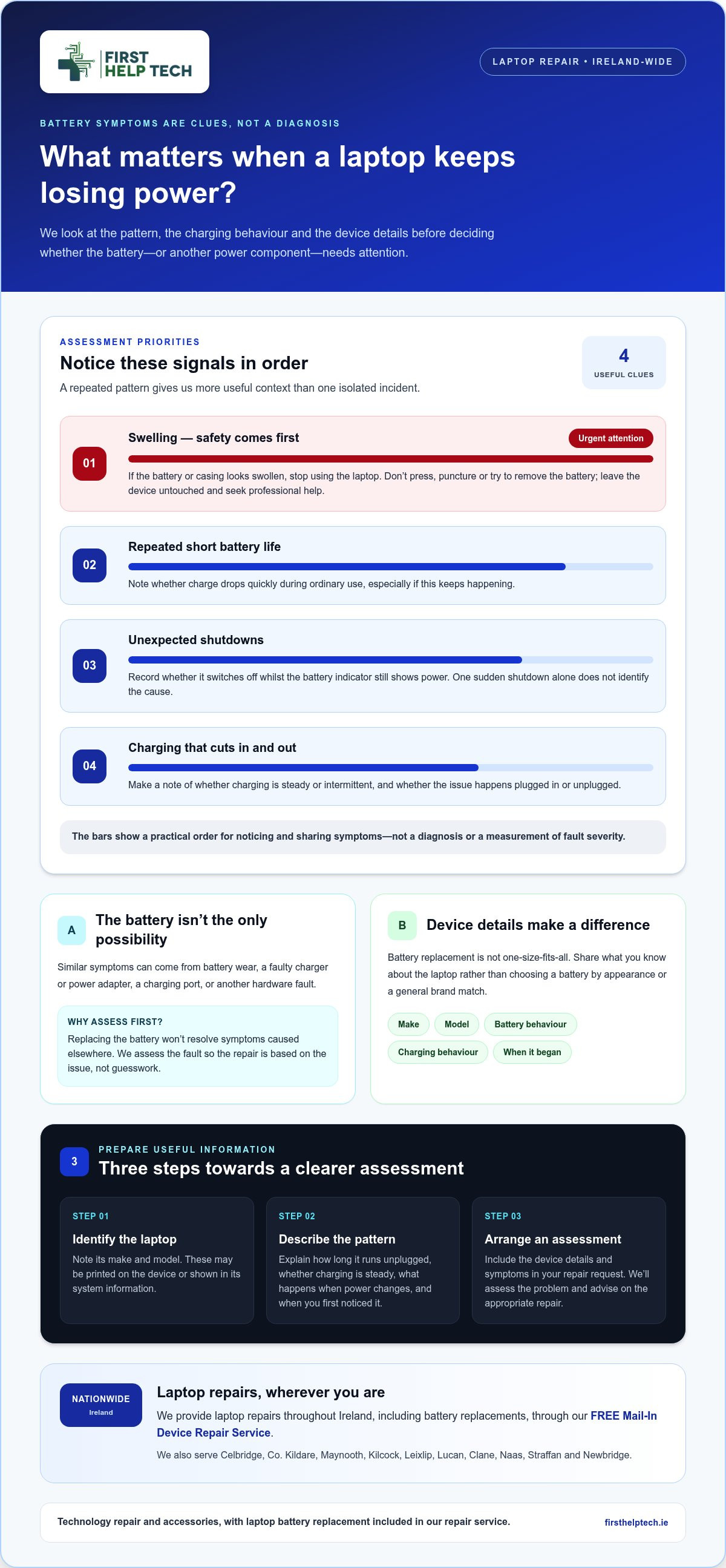
Does your laptop run out of charge sooner than it used to, switch off unexpectedly or charge inconsistently? These changes can make work or study difficult, but they don’t automatically mean the battery needs replacing. A charger, charging port or another hardware fault can cause similar symptoms.
Look for a repeated pattern rather than relying on one incident. Note whether the laptop loses charge quickly during ordinary use, shuts down while the battery indicator still shows power, or charges only intermittently. These observations help us understand the issue during an assessment. A single sudden shutdown, on its own, doesn’t identify the cause.
Battery behaviour is a clue, not a confirmed diagnosis. We assess laptop faults professionally so the repair is based on the issue rather than guesswork. Our laptop repair service includes battery replacement.
When battery symptoms call for a professional assessment
If the battery repeatedly drains unusually fast, the laptop keeps shutting down or charging becomes unreliable, arrange an assessment. Make a brief note of what happens and when, including whether the problem occurs while charging or unplugged. This gives us useful context to distinguish battery wear from a charging fault or another hardware issue.
Take swelling seriously. If the battery or laptop casing appears swollen, stop using the device and arrange professional help. Don’t press, puncture or try to remove the battery yourself. Leave the device untouched and seek a professional assessment. We can assess the fault and advise on the appropriate repair.
Choosing the right laptop battery replacement starts with the device
Your laptop’s make and model are the starting point for identifying the repair it needs. Battery replacement isn’t a one-size-fits-all job, so share the device details rather than choosing a battery based on appearance or a general brand match. We assess the fault to determine whether the battery or another power component needs attention.
To prepare for a laptop repair, follow these steps:
- Identify the laptop. Note the make and model, usually printed on the device or shown in its system information. If you can’t find both, provide the details you can locate.
- Describe what’s happening. Explain how long the laptop runs unplugged, whether charging is steady or intermittent, and what happens when the power changes. Include when you first noticed the issue.
- Arrange an assessment. Include the device details and a description of the symptoms with your repair request. We’ll assess the problem and advise on the appropriate repair.
What laptop details should you have ready?
Have the make and model ready, along with a short description of the battery life and charging behaviour and when the symptoms began. For example, mention if the laptop now loses charge during ordinary use or if charging cuts in and out. These observations help us understand the fault, but they don’t confirm its cause.
An assessment can distinguish battery wear from a problem with the charger, charging port or another component. That matters because replacing the battery won’t resolve symptoms caused elsewhere. Share the information you have to get started. Submit a repair request or quote enquiry.
Arrange laptop battery replacement anywhere in Ireland
You can arrange laptop battery repair from anywhere in Ireland through our FREE Mail-In Device Repair Service. First Help Tech provides laptop battery replacements and other laptop repairs, with the process starting with a repair request or quote enquiry so we can understand what you need.
When you contact us, include the laptop’s make and model and a brief description of the issue, such as unusually short battery life or inconsistent charging. Clear details help us assess the appropriate repair without assuming the battery is the only possible cause.
How to request a laptop battery repair
Use our booking page to submit a repair request or ask for a quote. Include the model information and explain what you’ve noticed, when the problem began and whether it happens while plugged in or unplugged. You don’t need to diagnose the fault yourself. We’ll use the details you provide to understand the repair needed.
We keep most repair parts in stock to support a quick turnaround. After you send your enquiry, our team will guide you through the next step for arranging the mail-in repair. It’s a straightforward way to access our laptop repair service from anywhere in Ireland.
Ready to get started? Request a laptop repair quote and tell us what’s happening with your battery.
Take the next step towards dependable laptop power
If your laptop needs to stay close to a power socket, everyday work can become less flexible. You don’t have to work out the fault alone. Tell us what you’ve noticed and we’ll help you take the next step towards a suitable repair.
First Help Tech has been providing technology repairs since 2016. To arrange a laptop battery replacement service in Ireland, send us a repair request or quote enquiry. We’ll use the information you provide to understand the issue and guide you through the repair process.
Request a laptop repair or quote and tell us what’s happening with your battery. We’re here to help.
Frequently Asked Questions
How long does laptop battery replacement take?
The time needed depends on the laptop and the repair required. A straightforward battery replacement may take a different amount of time from a repair that also needs attention to another component. We assess the specific repair before advising on the next steps.
Will replacing my laptop battery delete my files?
Replacing a battery isn’t intended to erase files, as your documents are stored on the laptop’s storage drive rather than in the battery. It’s still sensible to back up important work before any repair, particularly if the laptop is already shutting down unexpectedly. Save essential files to a secure backup location you can access separately from the device.
Is it worth replacing a laptop battery instead of replacing the laptop?
It can be worthwhile if the laptop otherwise meets your needs and the battery is the main issue. Consider whether it runs reliably when plugged in, performs the tasks you depend on and has other faults that may need repair. An assessment can clarify the problem and help you weigh the repair against the cost and effort of replacing the device.