
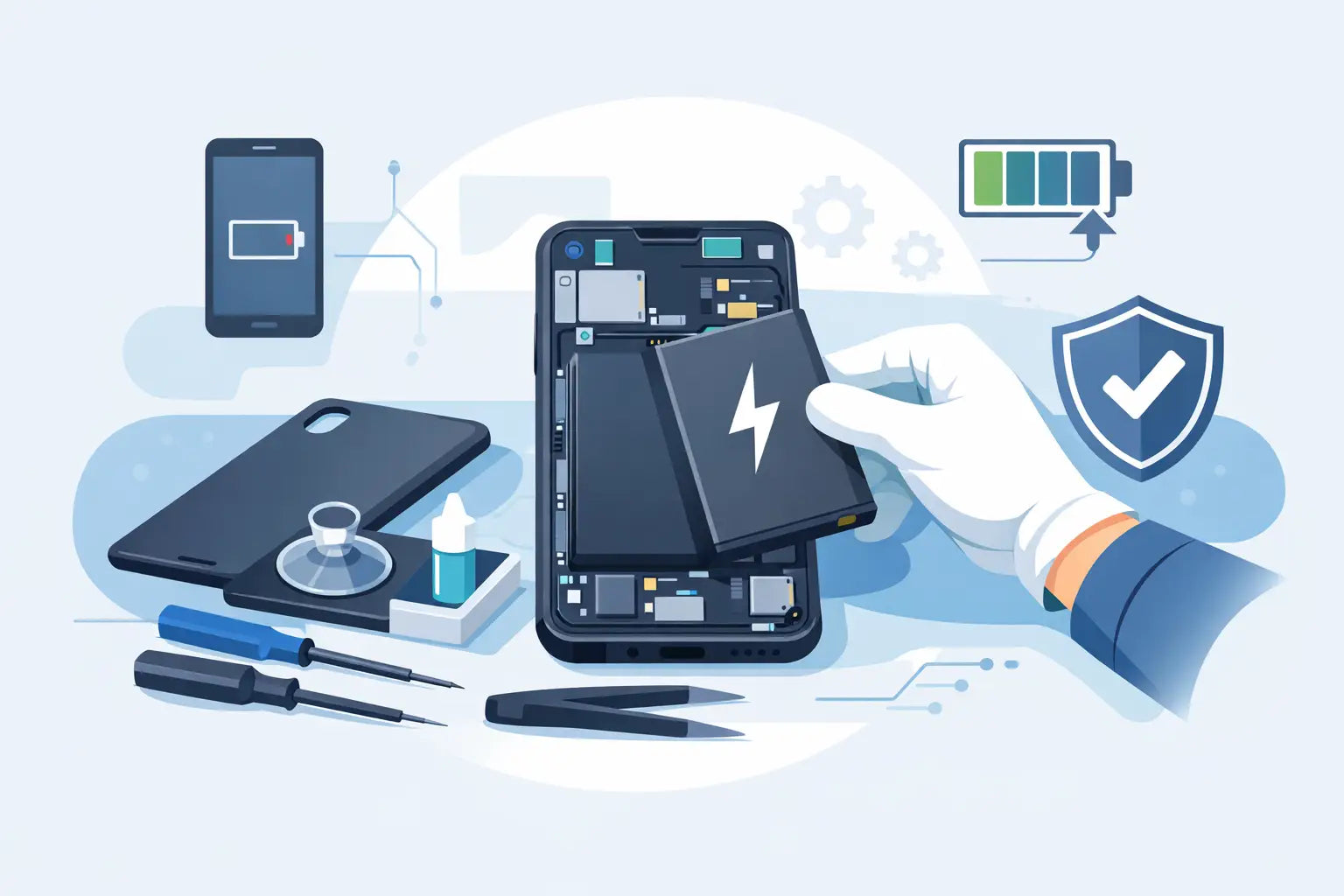
A phone that drops from 40% to 5% before lunch is not just annoying - it is usually a clear sign the battery is on the way out. If you are looking up how to replace phone battery parts yourself, the first thing to know is this: some phones make it fairly manageable, while others are glued shut and easy to damage.
Battery replacement sounds simple because, in theory, it is. Take out the old battery, fit a new one, close the phone. In practice, modern smartphones are tightly packed, held together with adhesive, and full of delicate flex cables. That does not mean a DIY repair is always a bad idea. It just means you need to be honest about the device you have, the tools you own, and how much risk you are willing to take.
Should you replace the battery yourself?
For older phones with removable back covers, battery replacement is quick and low-risk. You switch the phone off, remove the cover, swap the battery, and power it back on. Those handsets are now the exception rather than the rule.
Most current phones, including many iPhone, Samsung, Huawei, Xiaomi and Oppo models, use sealed designs. The screen or back glass may need to come off first, adhesive often has to be softened, and the battery is normally fixed in place with strong pull tabs or glue. If the phone has water resistance, opening it can also affect that seal.
The real question is not only how to replace phone battery components. It is whether your specific model is worth opening at home. If the handset is still valuable, has a glass back, or stores everything you need for work, college, family photos and banking, paying for a proper repair can be the cheaper choice in the long run.
Signs your phone battery needs replacing
A battery does not have to be completely dead before it needs attention. Most people notice the change gradually. The phone may need charging twice a day, switch off in the cold, run hot during basic use, or lag when the battery percentage gets low.
Swelling is the big warning sign. If the screen is lifting, the back cover is bulging, or the phone no longer sits flat on a table, stop using it. A swollen lithium-ion battery is a safety issue, not a watch-and-wait problem.
Battery health readings can help, but they are not perfect. A phone can still feel unreliable even if the software reading looks acceptable. Real-world symptoms matter more than the number alone.
What you need before you start
If you are going ahead with a DIY repair, preparation matters more than speed. You need the correct replacement battery for the exact model, not something that is merely close enough. Similar phone names often have different connectors, dimensions or voltage ratings.
You will usually need a small precision screwdriver set, plastic opening tools, a suction cup, tweezers, fresh adhesive, and a heat source such as a heat pad or controlled hair dryer. A metal tool can be useful in some jobs, but it should be handled carefully around the battery itself. Puncturing a lithium battery is where things go wrong quickly.
It is also worth having a clean, well-lit table and enough time to finish the job in one go. Rushing a battery repair on the corner of the kitchen counter rarely ends well.
How to replace phone battery step by step
The exact method depends on the phone, but the general process is similar.
Start by backing up your data. Even a straightforward repair can become complicated if a screen cracks or a connector gets damaged. Once backed up, power the phone off completely and remove the SIM tray if needed.
Next, open the phone carefully. On some models, the screen lifts out first. On others, the back cover comes away after gentle heat softens the adhesive. Go slowly around the edges and do not force entry if something feels stuck. That usually means there is still adhesive holding it in place.
Once inside, disconnect the battery before touching any other internal part. This reduces the risk of shorting the board. In many phones, you will need to remove a protective bracket first.
Then work on freeing the battery itself. If your handset uses pull tabs, stretch them slowly at a low angle. If the tabs snap, you may need to apply more heat and carefully loosen the battery with a plastic card. Never bend it aggressively and never pierce it to make removal easier.
After removing the old battery, clean away leftover adhesive and fit the new one in the correct position. Reconnect it, then test the phone before sealing everything back up. Check that it powers on, charges properly, and that the screen and buttons respond normally.
If all is well, apply fresh adhesive and close the handset. Press it together evenly rather than forcing one corner down first.
Common mistakes that turn a simple repair into an expensive one
The most common problem is using the wrong battery. Cheap parts with poor quality control can lead to weak performance, overheating, or charging issues from day one. Saving a few euros on the battery can cost much more if the phone has to be opened again.
The second issue is damage during opening. Cracked back glass, torn fingerprint sensor cables, and damaged display flex cables are all common on sealed phones. Screens on modern handsets are expensive, so one slip can change the value of the repair immediately.
Another mistake is assuming the job is done once the phone turns on. Battery calibration, charging behaviour and heat levels should still be watched over the next few days. A new battery that drains oddly may point to a poor-quality part, a charging fault, or background battery wear from other components.
When professional battery replacement makes more sense
If your phone uses strong adhesive, has water resistance, or requires the screen to be removed first, professional repair is often the better option. The same goes for premium phones where a damaged OLED screen could cost more than the battery job itself.
It also makes sense to book a repair if you need the phone back quickly and do not want to order tools, wait on parts, and hope they are the right fit. For most people, convenience matters. A working phone by the end of the day is often worth more than the satisfaction of doing it yourself.
That is especially true if the battery is swollen. This is not the time for trial and error. Safe removal and proper disposal matter.
Choosing the right replacement battery
Not all replacement batteries are equal. Capacity claims can be exaggerated, adhesive may be poor, and some low-grade cells lose health far faster than expected. Buy for the exact model code, not just the brand and series name.
Check whether the part includes adhesive strips and whether any warning labels or connectors match the original layout. If reviews or seller details look vague, that is usually a bad sign. In a repair like this, a decent part is the difference between restoring a phone and creating another problem.
For many customers, this is where a repair shop has an advantage. The part quality, fitting, and testing are handled in one place, which cuts down the guesswork.
Aftercare once the new battery is fitted
A fresh battery should not need any special ritual, but a few habits help. Use a reliable charger and cable, keep the phone out of excessive heat, and avoid draining it to zero all the time. Fast charging is convenient, but repeated heat is still battery wear, especially in older devices.
If battery life still feels poor after replacement, the issue may not be the battery alone. Apps running constantly in the background, weak signal, charging port problems, or board-level faults can all mimic battery trouble.
That is why a proper diagnosis matters when the symptoms are not straightforward. Replacing the battery is often the fix, but not always.
Is it worth replacing an old phone battery?
Usually, yes - if the phone still does what you need. A battery replacement is often one of the most cost-effective ways to get another year or two from a handset. For students, parents and anyone trying to avoid the cost of a brand-new phone, that can be money well spent.
It depends on the condition of the rest of the device. If the screen is already failing, the charging port is loose, and storage is nearly full all the time, a battery alone may not make the phone feel new again. But if the handset works well apart from poor battery life, replacement is often the smart move.
If you are weighing up DIY against booking the job, be practical. Some repairs are absolutely manageable at home. Others look easy online and become expensive within ten minutes. A good repair is not just about getting the phone open. It is about getting it closed again, working properly, and staying safe after the job is done.
If you are unsure, there is no harm in getting advice before you start. Sometimes the quickest way to save money is avoiding a repair that was never a good DIY candidate in the first place.